Homepage with images that describe & sell
Updated on
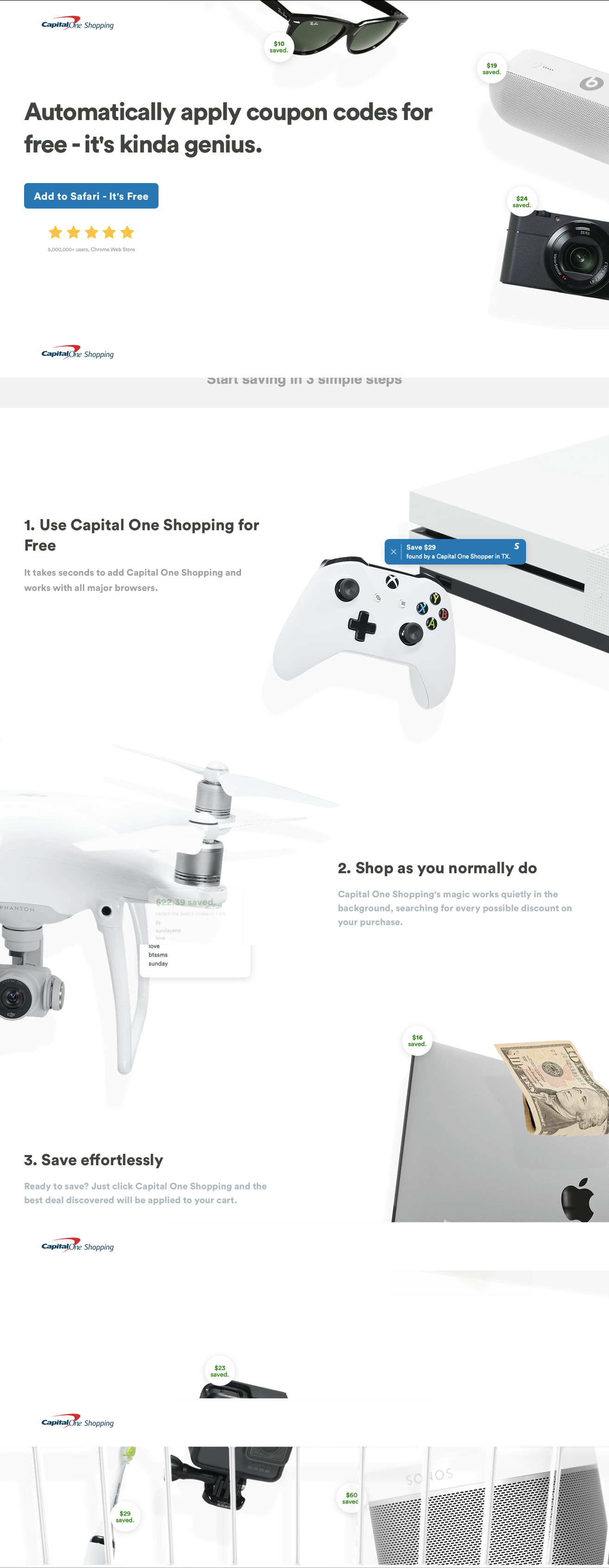
The Capital One Shopping page is a masterclass in showing—not telling—value. The layout instantly communicates what the app does: saves you money while shopping online. The proof? Real product images with little green “money saved” bubbles floating beside them.
Marketing Analysis
The design keeps everything ridiculously simple. Eye-catching consumer products anchor the page, and each one gets a mini testimonial in the form of “$24 saved” or “$19 saved.” Then, right down the center, a short 3-step explanation shows exactly how it works, ending with one clear CTA: “Add to Safari – It’s Free.”
Why It Works
- Visual proof beats long explanations
- Social validation from real user savings
- Simplicity removes friction from understanding
- Sequential design guides the eyes naturally toward the CTA
- Strong value prop—“Automatically apply coupon codes for free”—is front and center
Examples
- Honey does this by showing a live ticker of total user savings
- Rakuten’s ads highlight cash-back amounts with real product shots
- PayPal’s Smart Offers popups use “You just saved $X” messages to boost retention
- RetailMeNot’s app screenshots feature dollar savings right on product images
Analyzed by Swipebot
Loading analysis...