Updating a Google Presentations slide to be better
Updated on
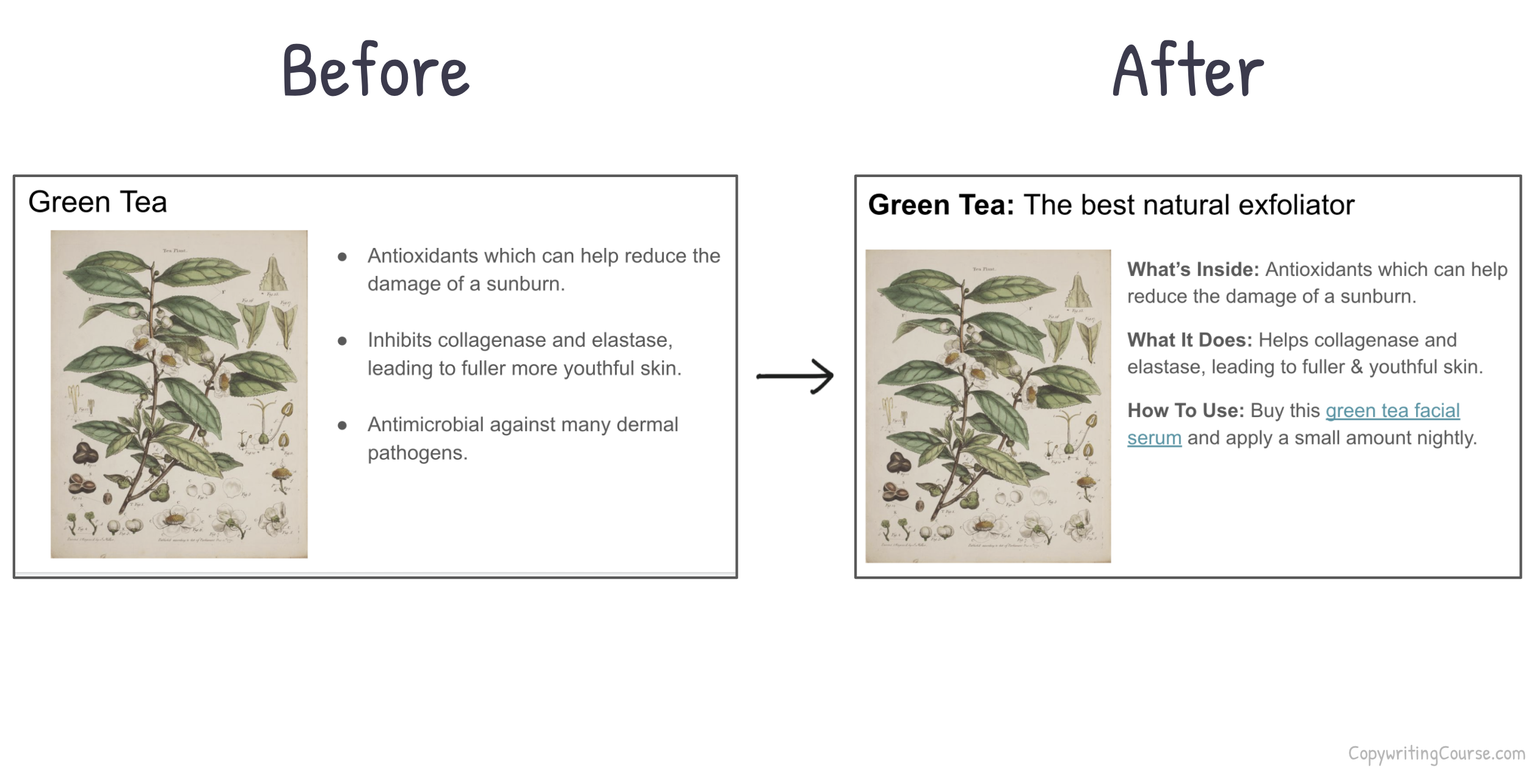
Most slides dump info and hope the reader figures out what to do. But great marketing slides make people want to act. This before-and-after example shows how to turn a random list into a mini sales pitch.
Why the “After” Slide Works
- Headline grabs attention and sets a benefit-driven theme
- Uses a simple 3-part structure: What’s Inside, What It Does, How To Use
- Adds an action step to guide the reader
- Consistent format builds flow and authority across a full presentation
Real-World Examples
- Dropbox’s onboarding tells you exactly what to click next
- HubSpot blog posts end with “Try this template” links
- Apple product slides always close with a simple “Available now” CTA
Clarity + action beats clutter every time.
Analyzed by Swipebot
Loading analysis...