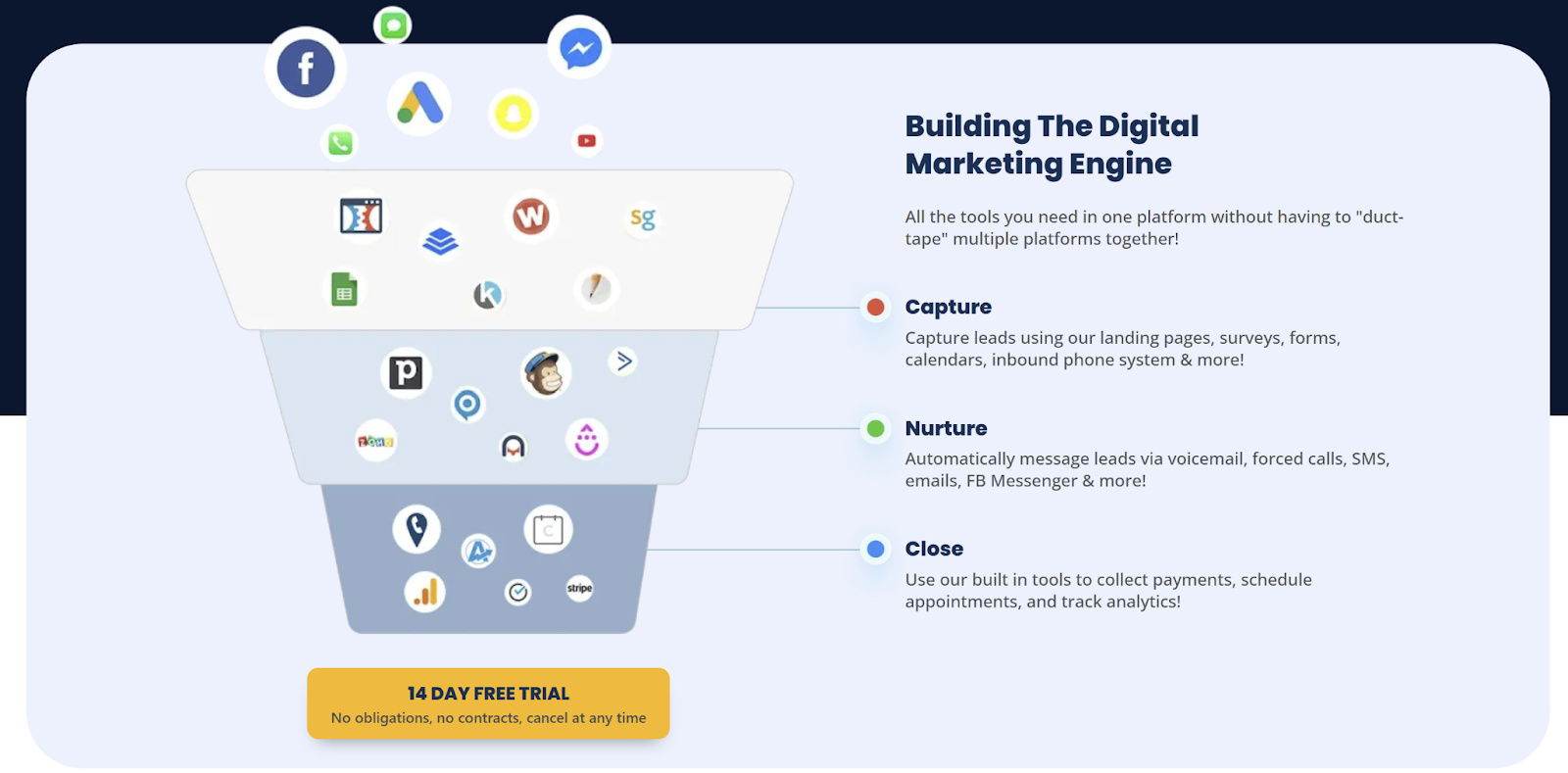
This GoHighLevel graphic nails how to make a funnel visual and simple. Instead of pages of text, one slick image turns a complex process into an easy-to-understand marketing machine.
The Funnel Breakdown
Each stage in the funnel has one clear goal:
- Capture: Pull in leads through forms, landing pages, and calls.
- Nurture: Build trust by staying in touch via SMS, emails, or DMs.
- Close: Make it frictionless to buy, book, or pay.
Why It Works
- Converts complexity into clarity.
- Uses familiar app icons (instant recognition).
- Maps perfectly to the AIDA model—attention, interest, desire, action.
- Ends with a clean call to action: “14 Day Free Trial.”
Real-World Examples
- HubSpot simplifies its CRM journey with a similar three-step flow.
- ClickFunnels visualizes email and sales pages as one connected system.
- ActiveCampaign uses funnel visuals to show automation depth fast.
Analyzed by Swipebot
Loading analysis...
.png?width=3840&quality=80)