Edit Any Website (free tool)
Updated on
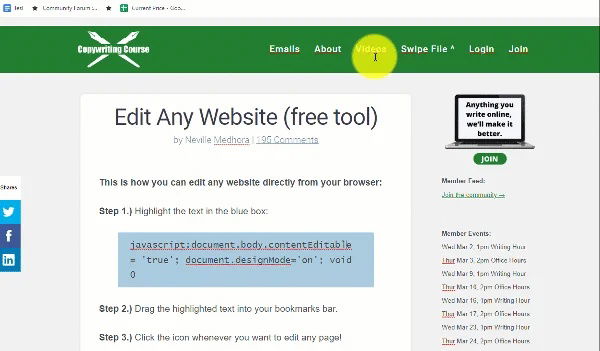
This is how you can edit any website directly from your browser:
Step 1.) Highlight the text in the blue box:
javascript:document.body.contentEditable = 'true'; document.designMode='on'; void 0
Step 2.) Drag the highlighted text into your bookmarks bar.
Step 3.) Click the icon whenever you want to edit any page!
Try it for yourself:
Click this link, and instantly you'll be able to edit the text on this page from your browser. Reload the page if you want to quit editing.
There's a bunch of useful AND silly uses for this little editing hack!
A Helpful Use Case:
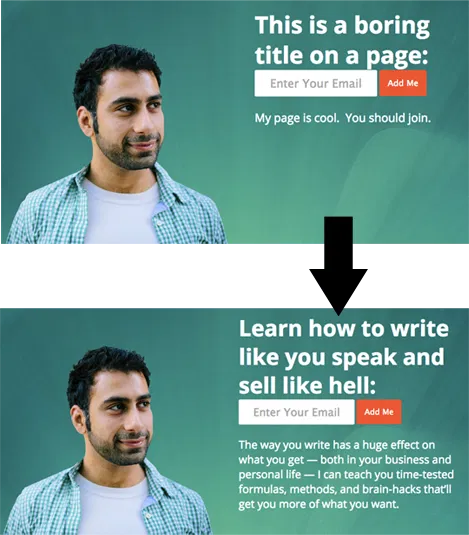
If you're a copywriter doing consulting session with a client, you can edit their page live to show them how it will look:
A Fun Use Case:
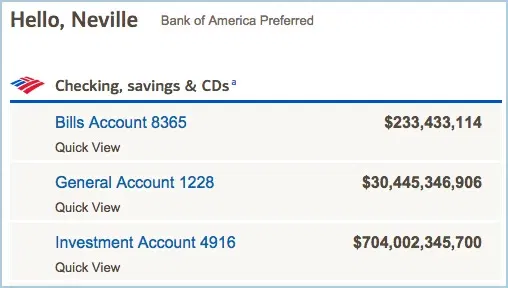
Make your bank balance look super huge! Move over Bill Gates, my BankOfAmerica account now has billions of dollars:
This helpful little bookmark has been extremely useful for me through the years, hope you enjoy it too!
Watch video of this trick in action:
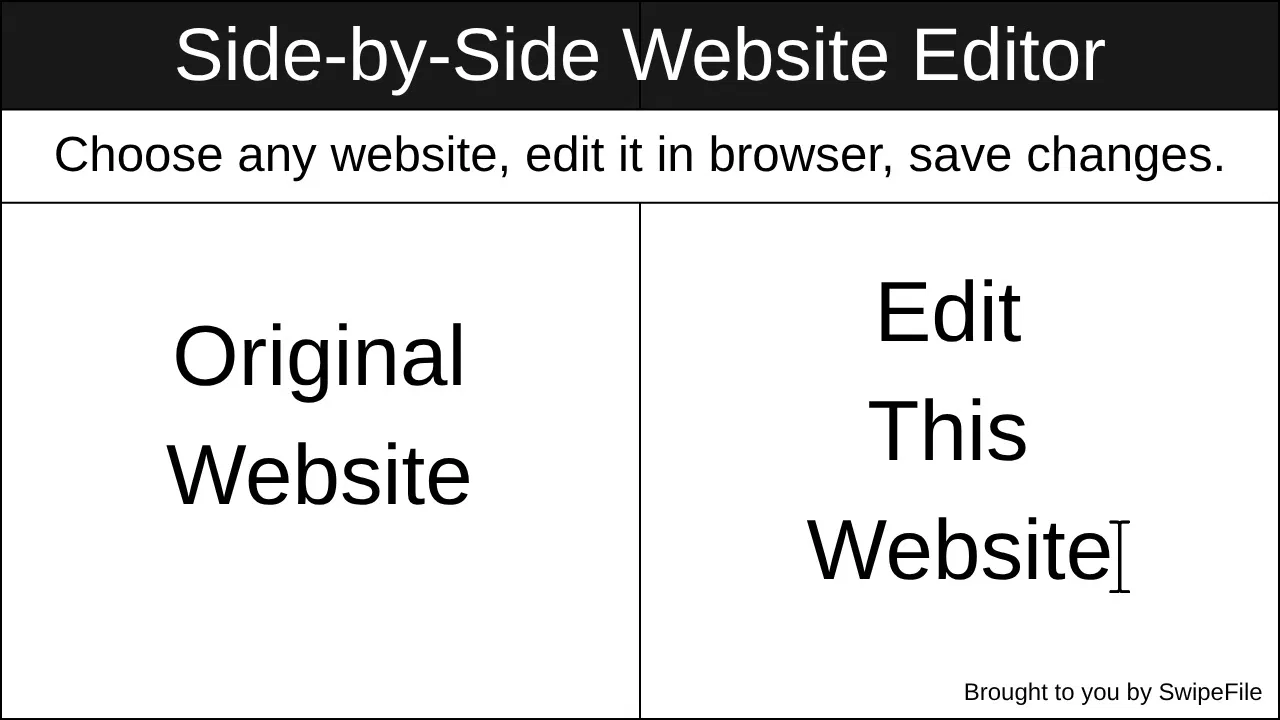
Edit Any Website Side-by-Side and save the changes, great for copywriters and land page designers:
Start editing any website:
Drag this button to your bookmarks bar. It has a small JavaScript code that brings up a side-by-side editor and even lets you save your edited webpage. Try it!
✏️ Edit with SwipefileThis makes editing copy on websites one-click!
A major problem I've had as a copywriter is showing clients potential changes for a website.
Often it happens inside a Google Doc.
Often it's a long page and hard to grasp every change.
Often the changes are small and go unnoticed.
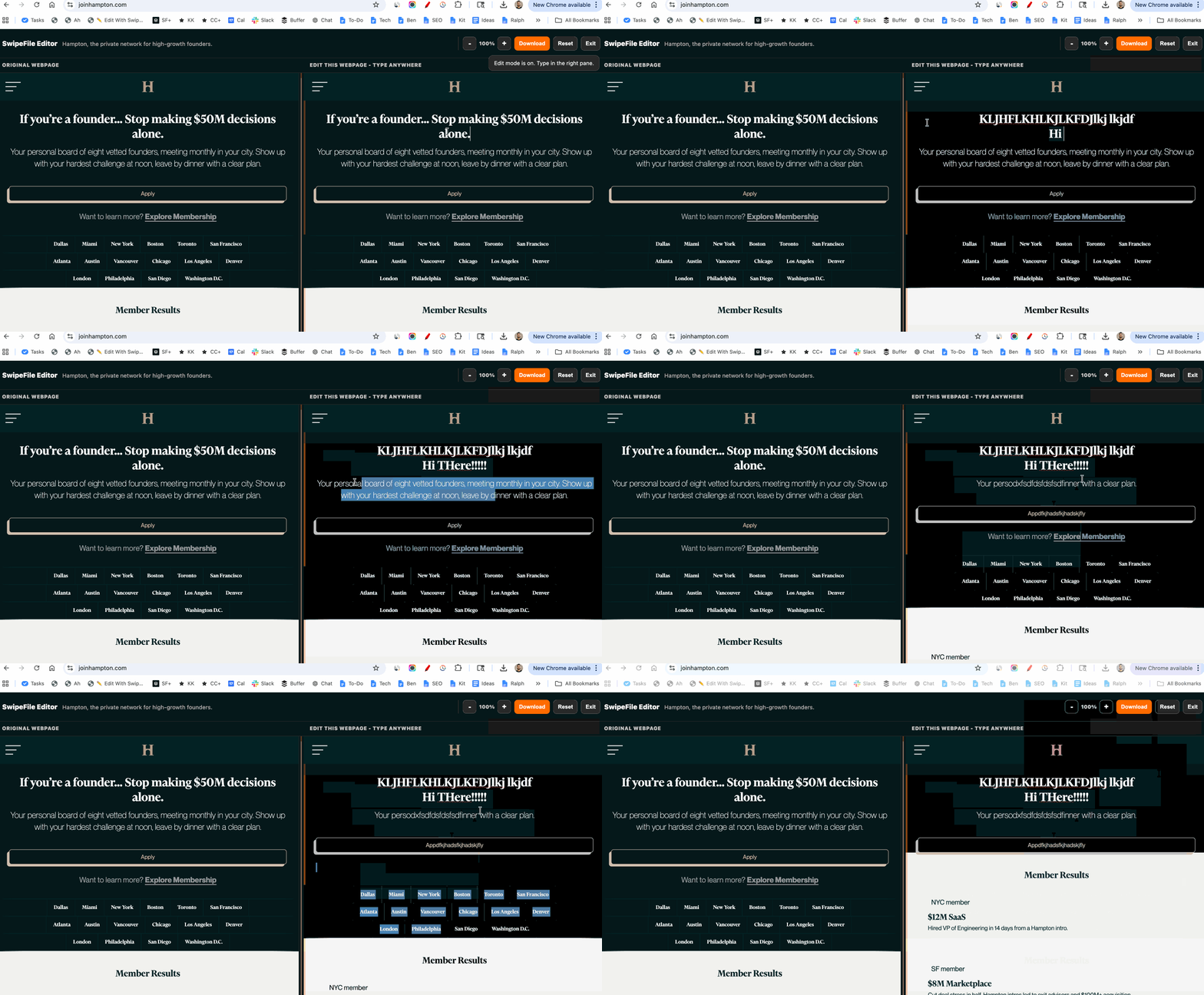
So we built a free tool, it's literally a click-n-drag thing to your bookmarks bar that let's you instantly side-by-side edit a website, like this:
Manual paste version
If dragging the button doesn’t save correctly, create a bookmark manually and paste this into the bookmark’s URL field:
Hope you enjoy using this, and if you do please share it with friends!
Analyzed by Swipebot
Loading analysis...