🎤 The SWIPES Email (Friday, January 10th, 2025)
Updated on

Friday, January 10th, 2025
An educational (and fun) email by Copywriting Course. Enjoy!
Swipe:
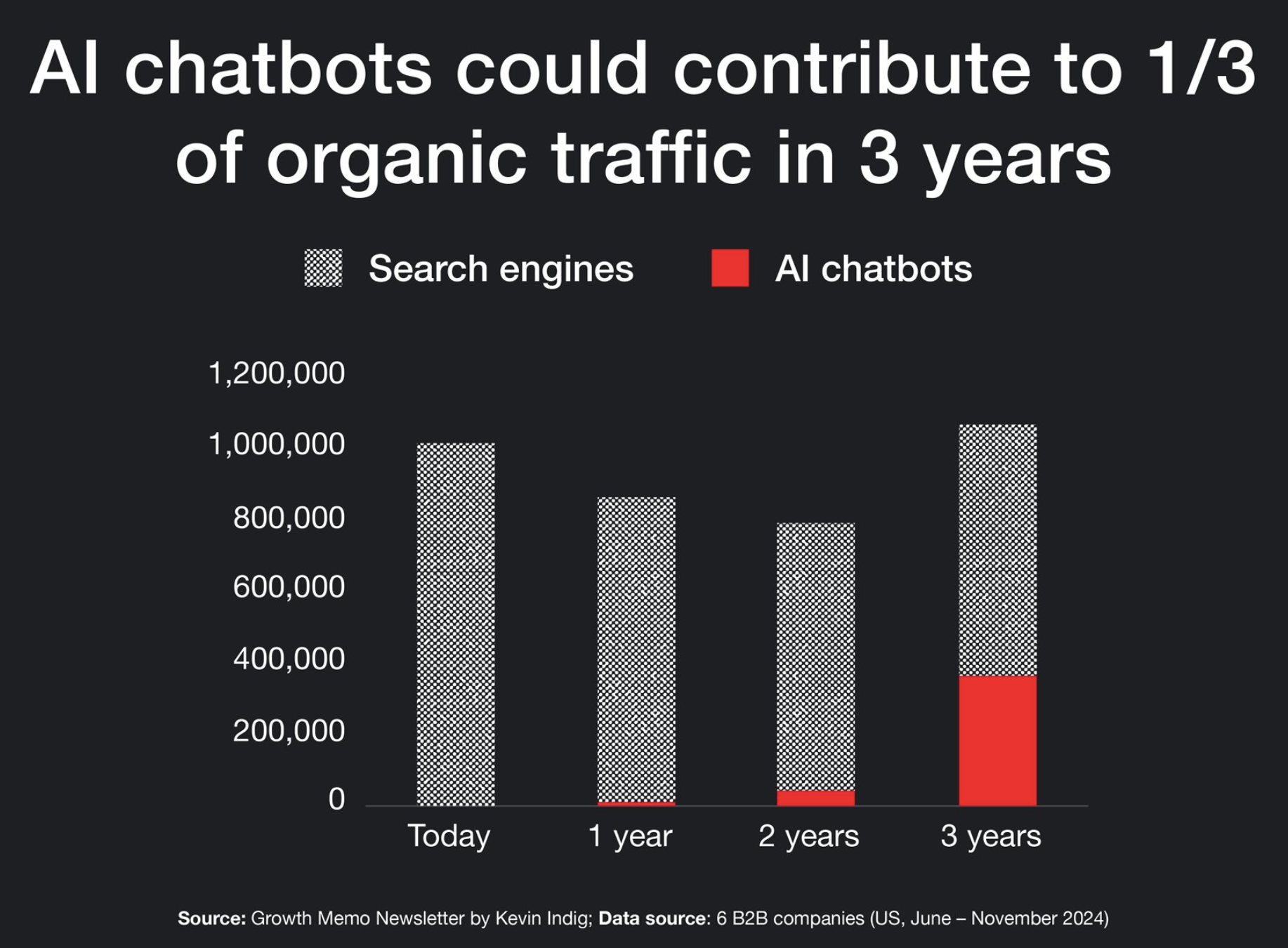
Creeping up as my 5th most popular traffic source last year:
ChatGPT!
 |
I previously wrote this quote:
SEO 1.0 - Google sends traffic to a page.
SEO 2.0 - AI directly recommends your product, maybe also links it.
...this is definitely coming true.
ChatGPT is also sending me YouTube-level traffic (and YouTube clicks are notoriously good).
SEO will likely change from writing how-to articles to more experience-based articles AI can take examples from, like:
BEFORE: "How to write good copy"
...and start seeing more IRL experience documentation like:
AFTER: "How I re-wrote the copy on this air purifiers page and saw a 300% increase in sales."
Wisdom:
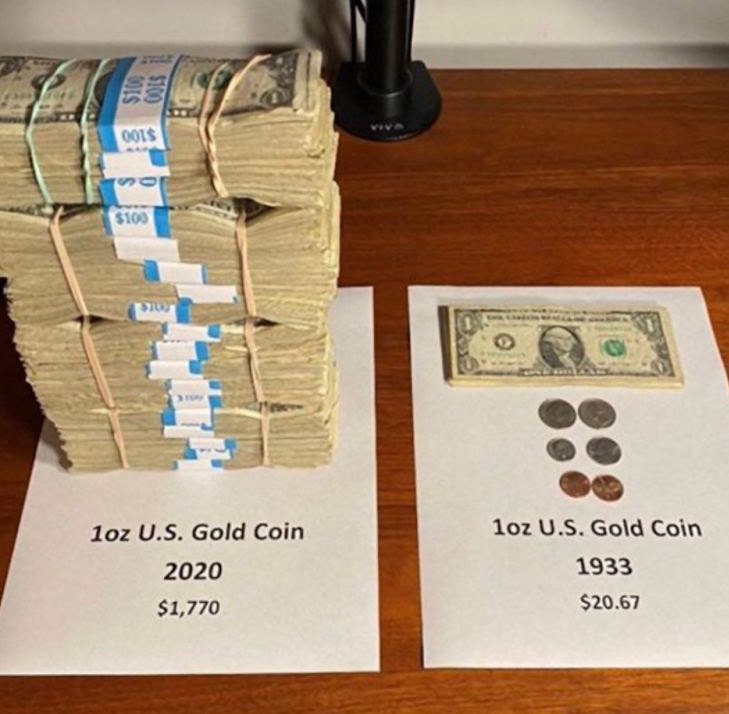
"Follower Inflation" is where the value of your followers on any social media account decline.
This is actually a lot like money inflation:
 |
The obvious solution is to have an email list where you directly contact your readers (like you're reading here).
However ANOTHER possible solution is: Post on every social platform.
Group posts by content type and cross-post using software or assistance:
• Quick writings: Twitter/X, Facebook, LinkedIn
• Longform podcast: YouTube + Podcast
• Short Clips: YouTube Shorts + Instagram Reels + TikTok
This isn’t a “solution” necessarily, rather just what I’ve observed everyone doing, even Sam Parr or the MyFirstMillion Podcast.
❌ Negatives of cross-posting on all platforms:
- It’s annoying and hard.
- Answering comments on all of them is hard.
- Splits your focus.
- You sometimes create for the wrong audience.
✅ Benefits of cross-posting on all platforms:
- If one network gets traction you can focus on it more.
- Don’t feel as much FOMO.
- Covering all your bases.
- Sometimes content on one platform bombs but does really well on another.
Interesting:
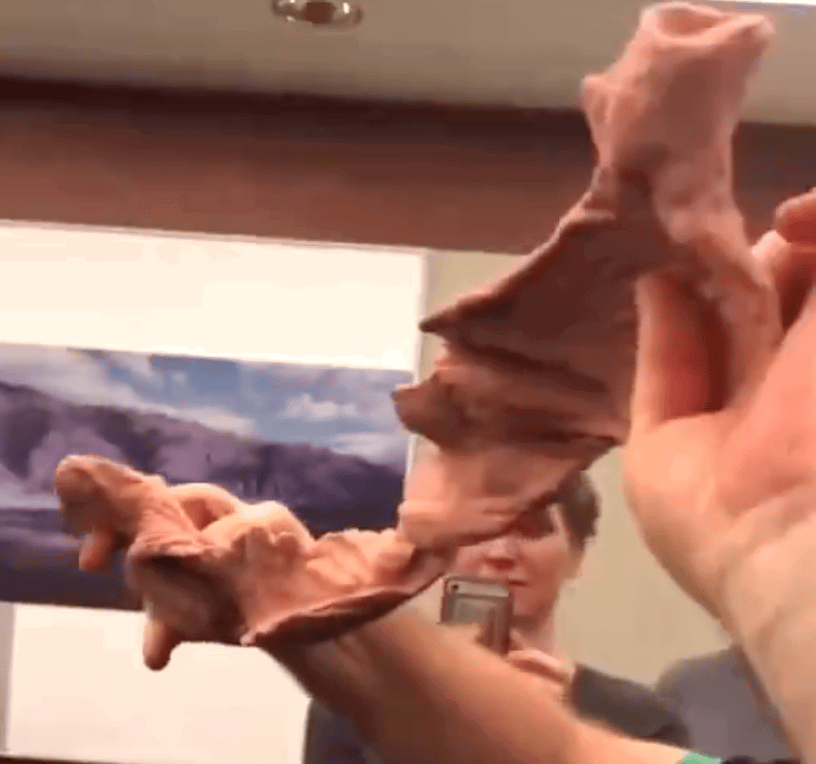
Did you know your heart is actually one long muscle rolled up into a ball?
Here's your heart completely un-rolled:
 |
Here's that same muscle rolled up into the "heart" shape we all know:
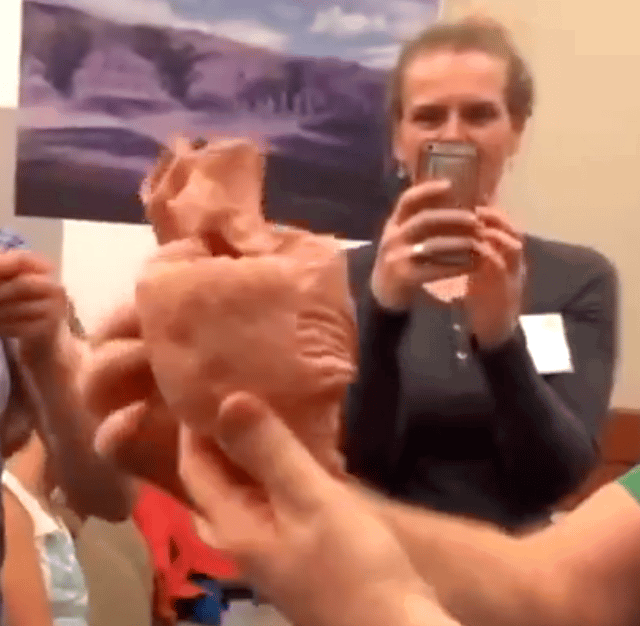 |
How interesting! See a 20 second video of it here →
|


Picture:
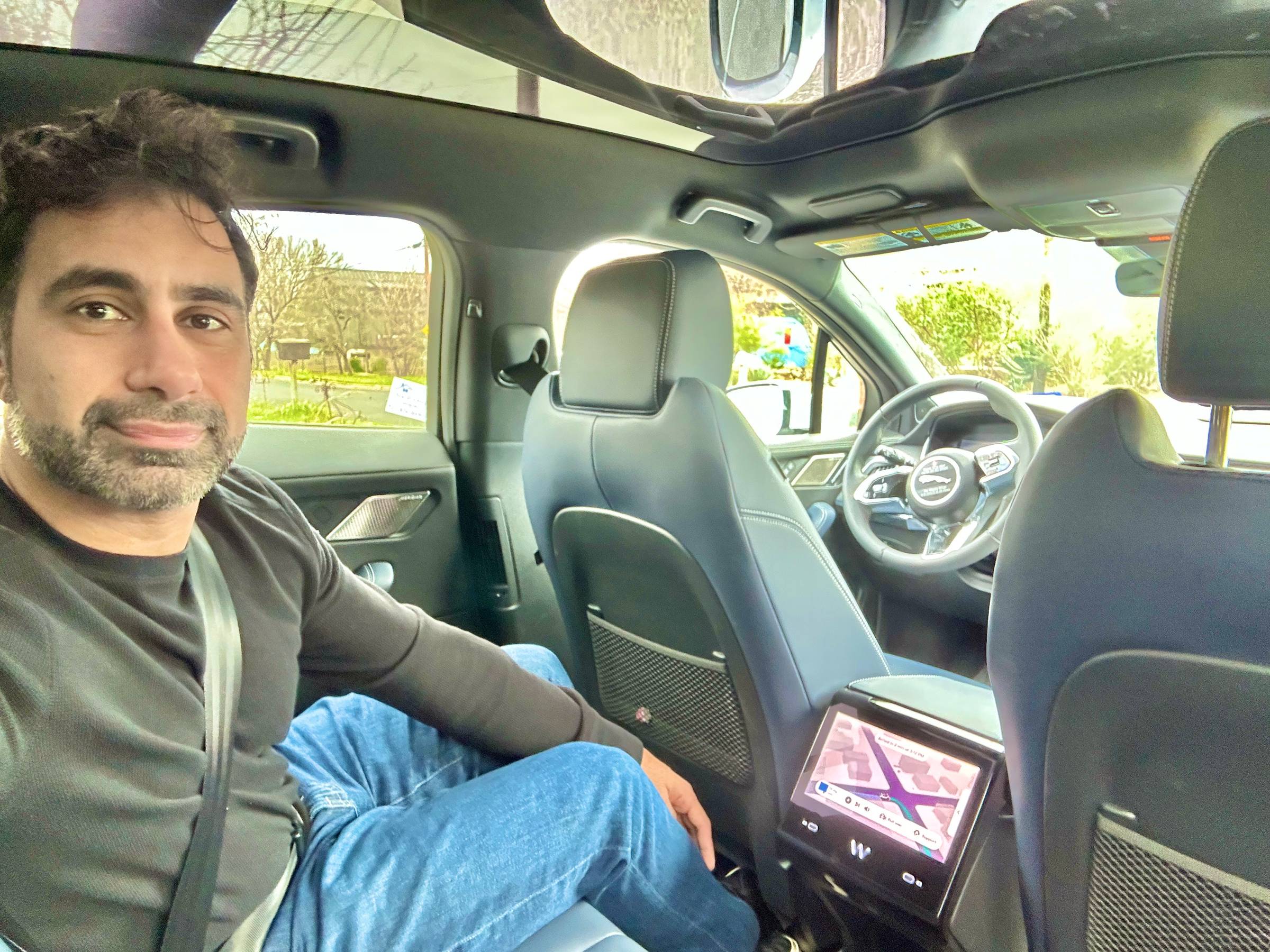
I realized about ~90% of the time I'm in vehicles there's a machine driving not a human.
I ride in driverless Waymo's alllllll the time now for short trips:
 |
The remainder of time when driving my own car, the car is driving on Full Self Driving mode:
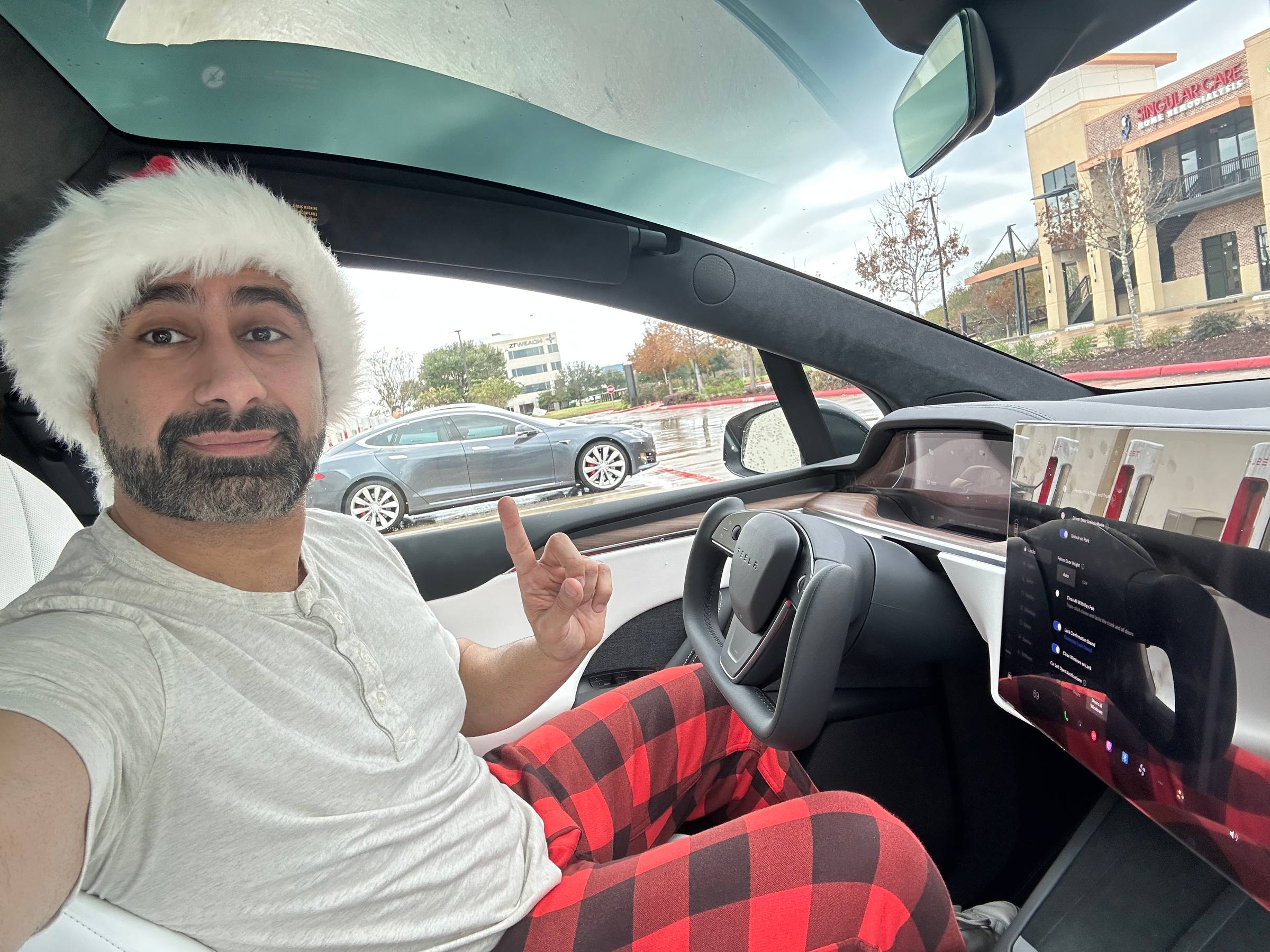 |
I only pull the car out of FSD when I feel like driving for fun or want to go faster than it'll let me.
We are very close to self driving fully being solved. So long as I vaguely stare at the road the Tesla will drive hundreds of miles without once touching the steering wheel or pedals. It's not hard to imagine this completely un-supervised soon.
This will be such a change once this is widely rolled out and completely unsupervised.
You will be able to jump in the backseat of a car, go to sleep or play on your phone, and just safely arrive at your destination.
Essay:
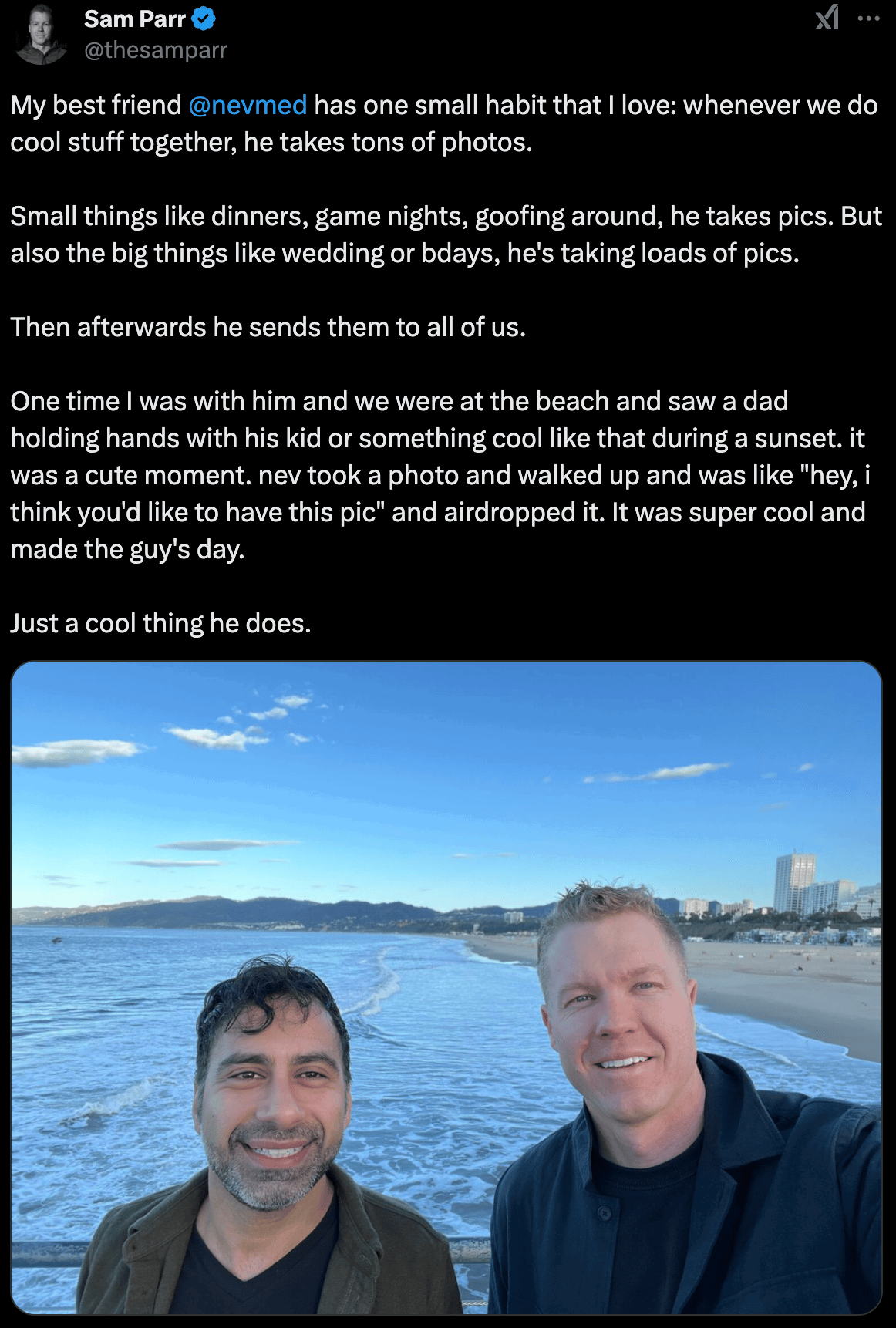
The free gift you can give to everybody: PICTURES!
Here's what my buddy Sam said about this habit:
 |
Here's some tips for you to take memorable pics for people:
• Take a few of the bangers and edit them on your phone. It’s insane how much just straightening and brightening a photo can do!
• Remember to snap a couple of pics of the host doing hosty-stuff. Talking to people, putting something in the oven, hugging someone etc.
• Get the MONEY SHOT! This is where the host is WITH THEIR PARTY! So it’ll have the host in a crowded apartment/house or whatever.
• Send them to your host right after the event. The sooner the better so if they want to post on social media they can.
Splurge:
One thing I bought this Christmas that I love was an Apple Studio Display (with the optional up-down swivel thing):
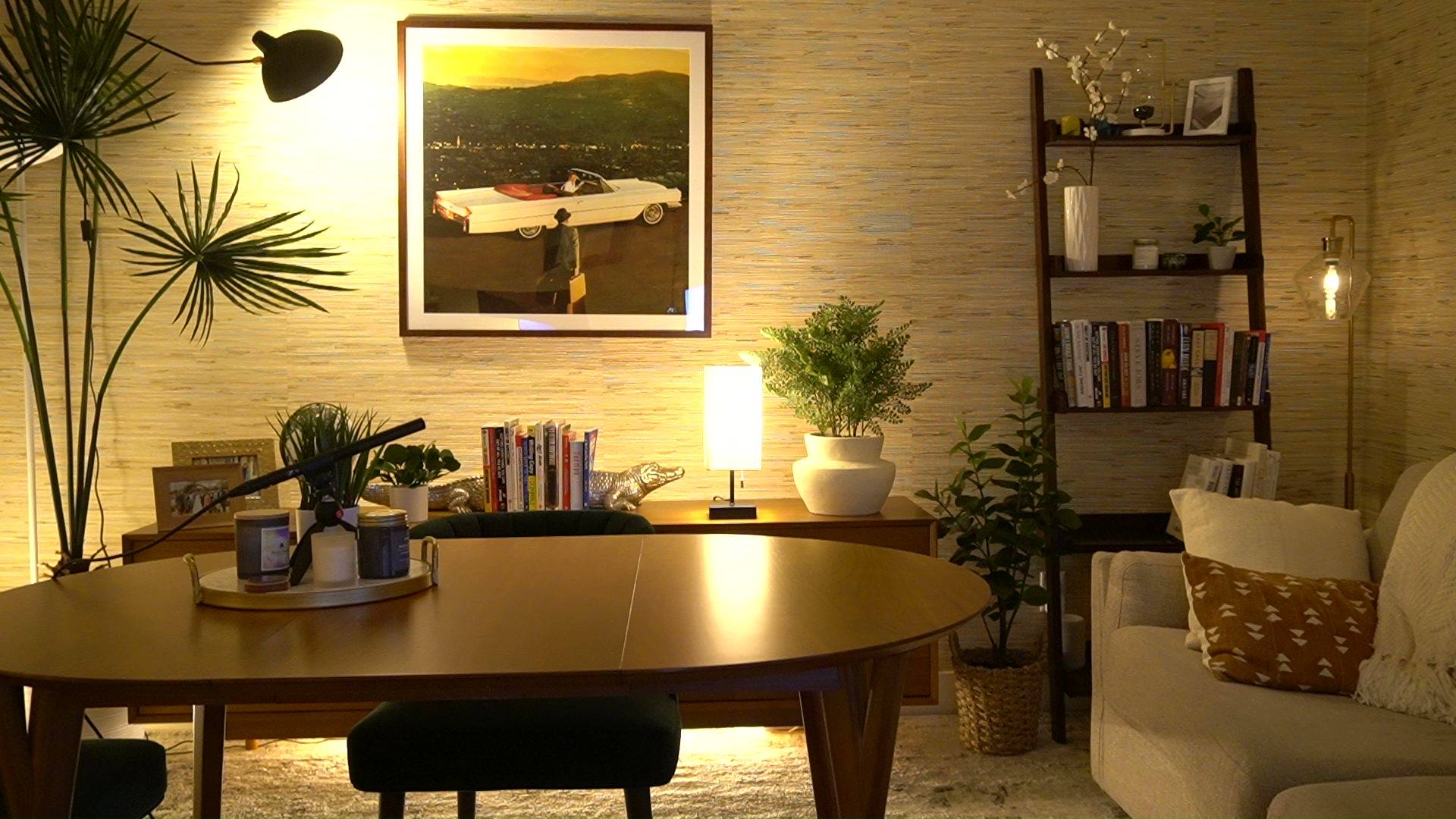
Normally I work in my home office, and it's designed great for taking calls:
 |
However if me and my wife are taking a call at the same time, one of us needs to leave, so we'll go over to the guest room that has desk and nice DSLR camera.
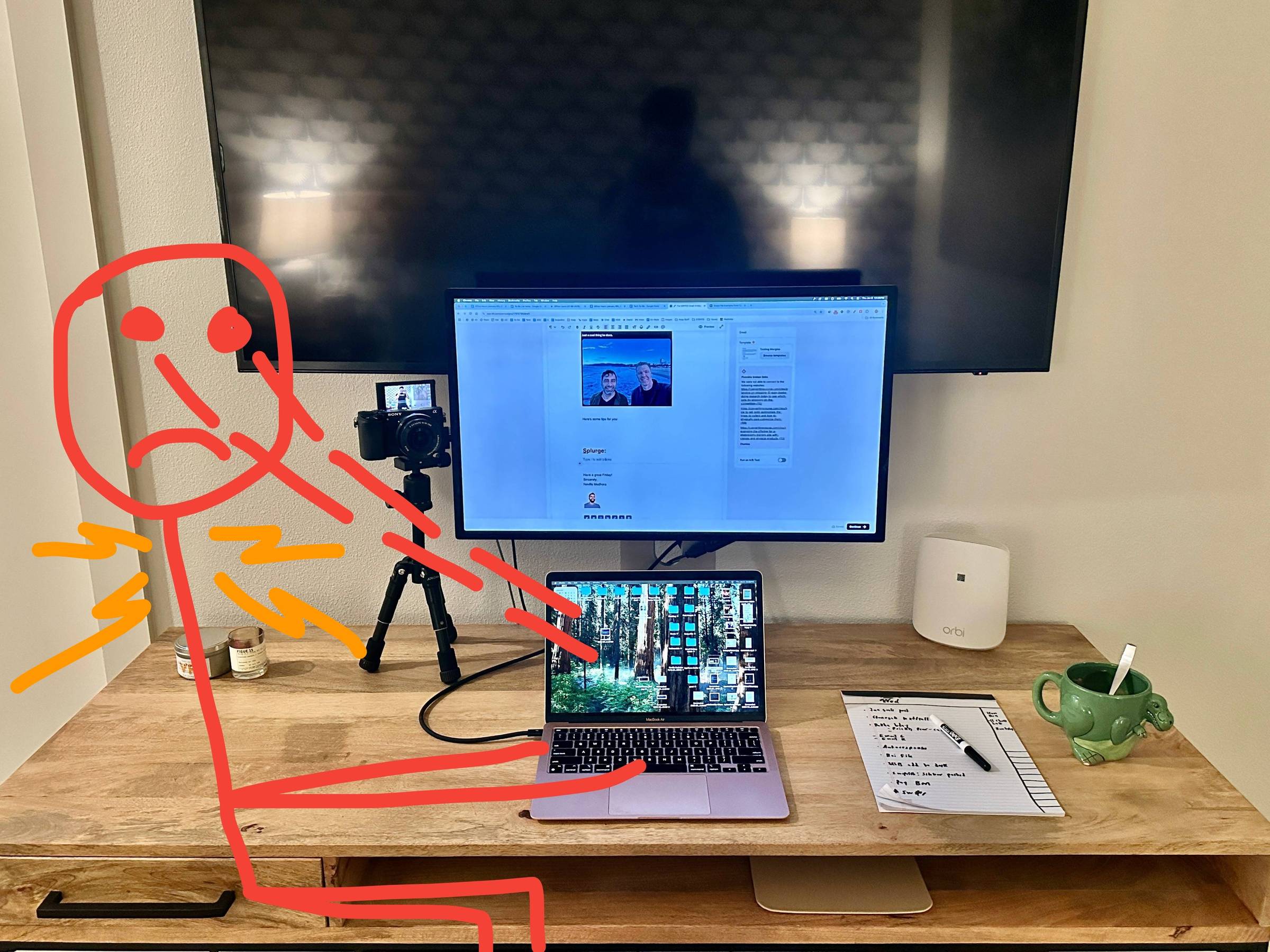
The problem is I just end up using my 13" small MacBook Air (which I love) but isn't good as using a giant computer screen, and I have to crane my neck downwards.
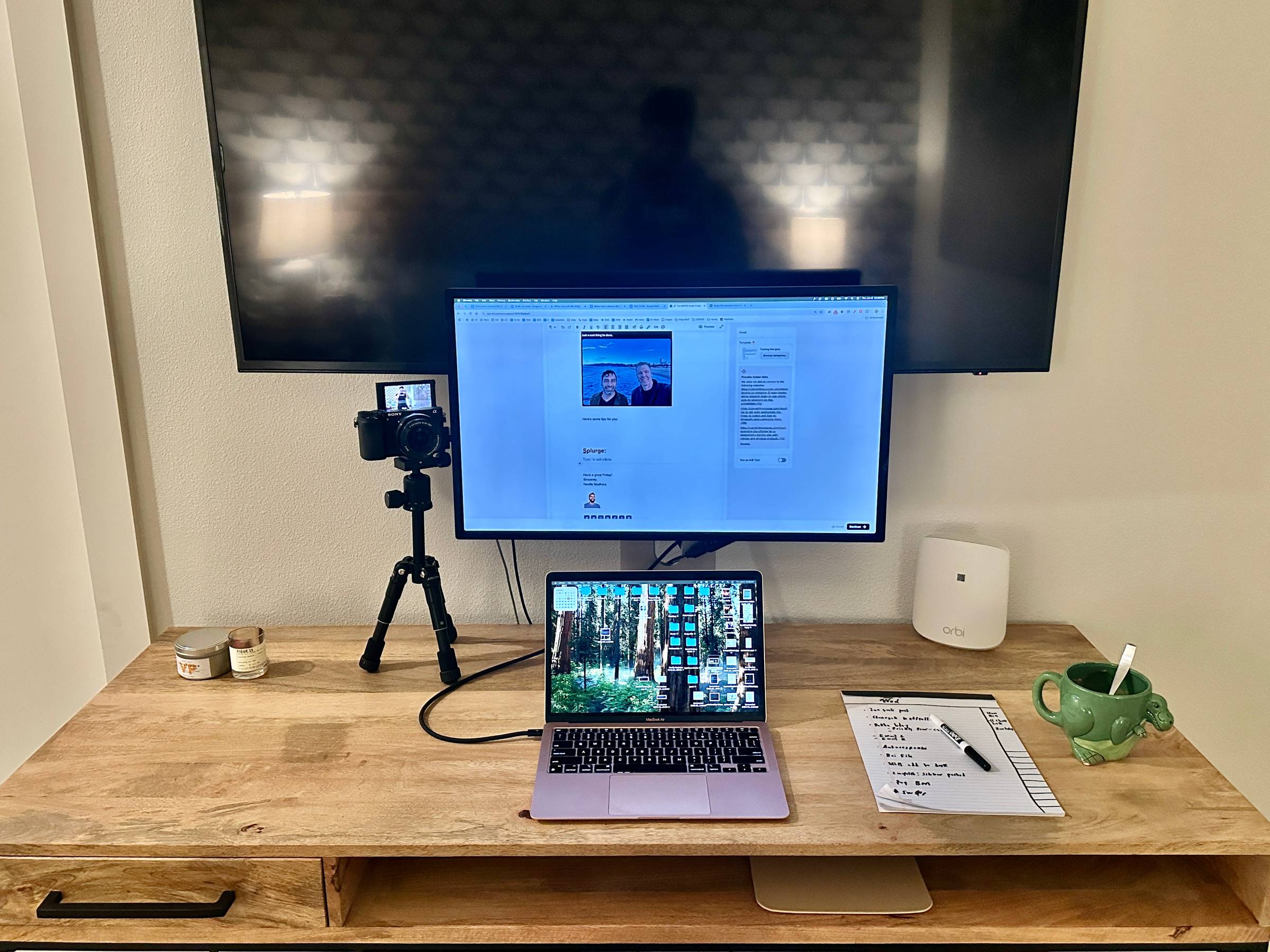
So I bought this Apple Studio Display for the guest room desk, and now I have fantastic 27" display that also swivels up and down with ease!
It can easily slide down well below the mounted TV height:
 |
To be honest it's helped a lot because with my laptop and this non-height adjustable desk I have to keep craning my neck down which doesn't feel good:
 |
But with this Studio Display I can look straight ahead and swivel the display up and down really easily:
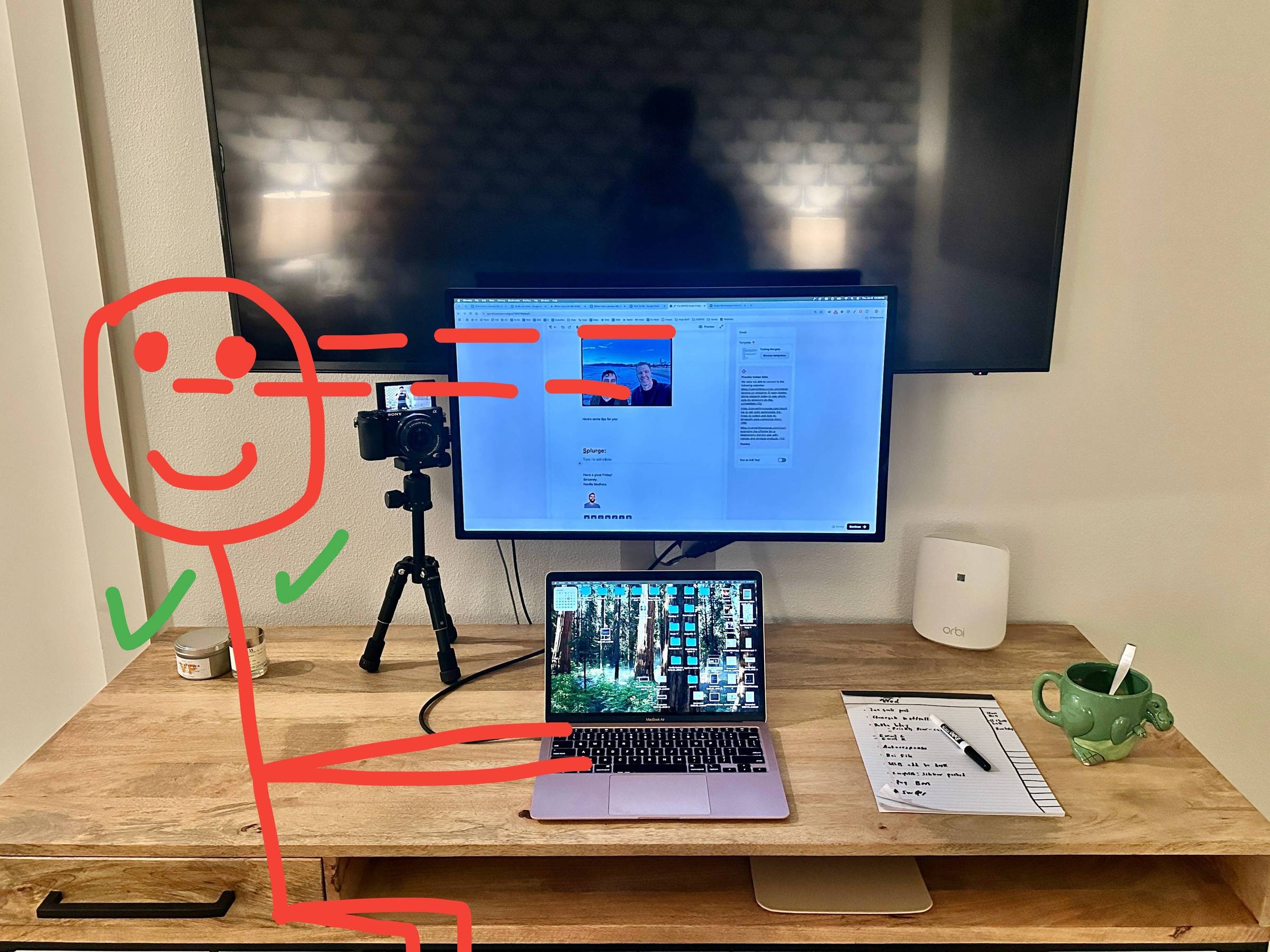 |
It doesn't look very impressive from these photos but using this is so much better and feels like I'm using a giant computer instead of small laptop.
Have a great Friday!
Sincerely,
Neville Medhora
 |
P.S. Checkout some wins from Copywriting Course members:
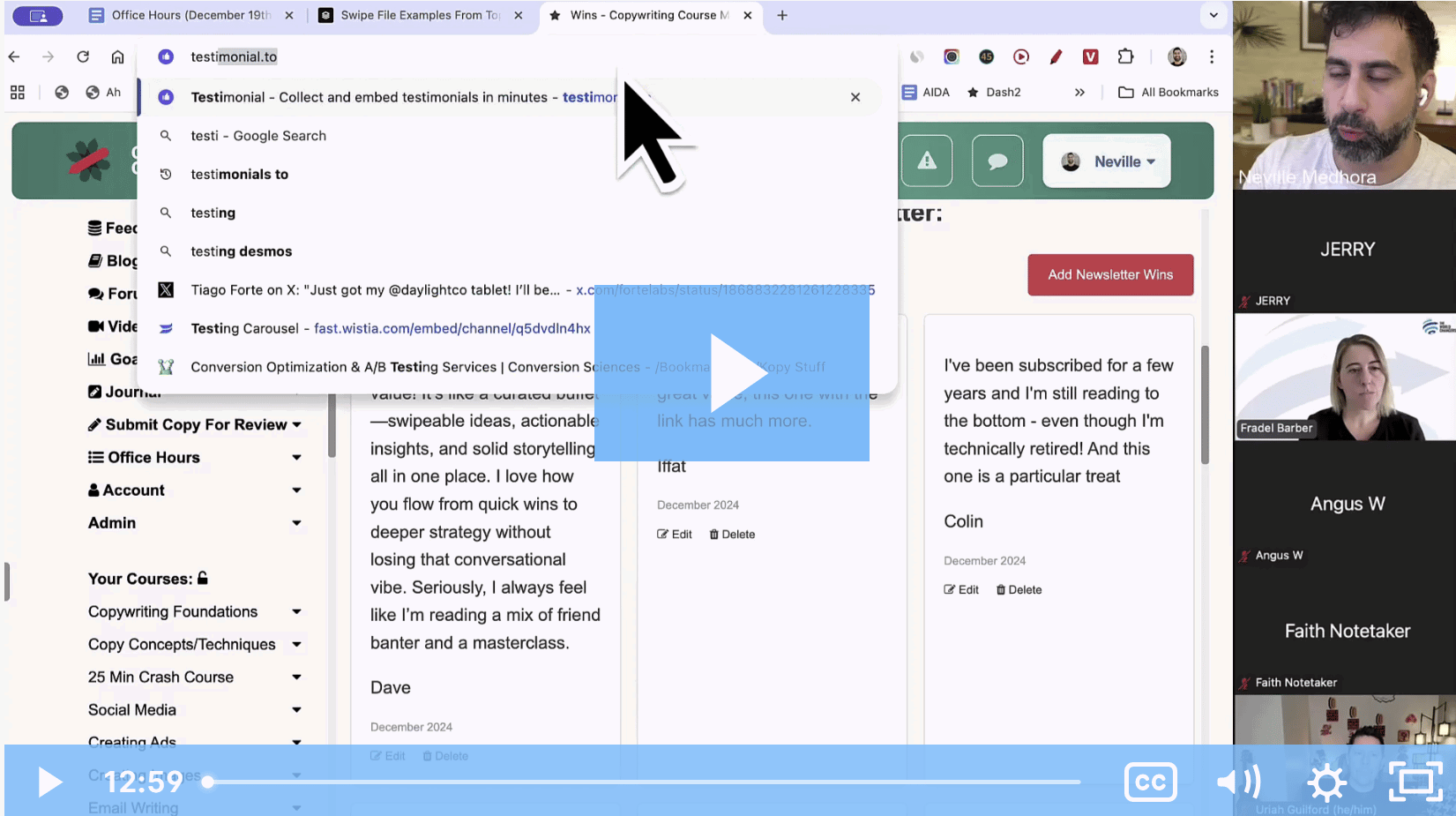
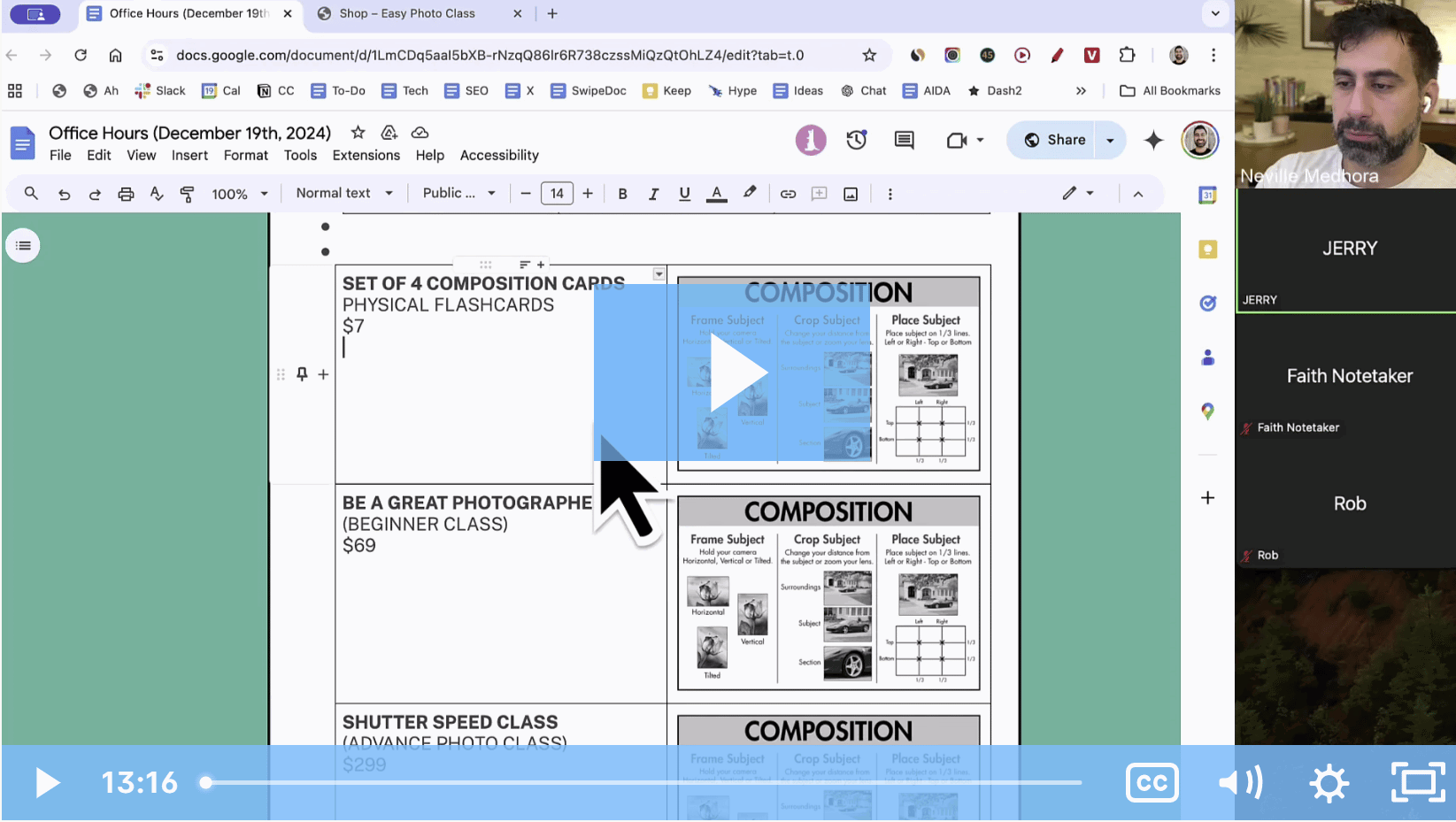
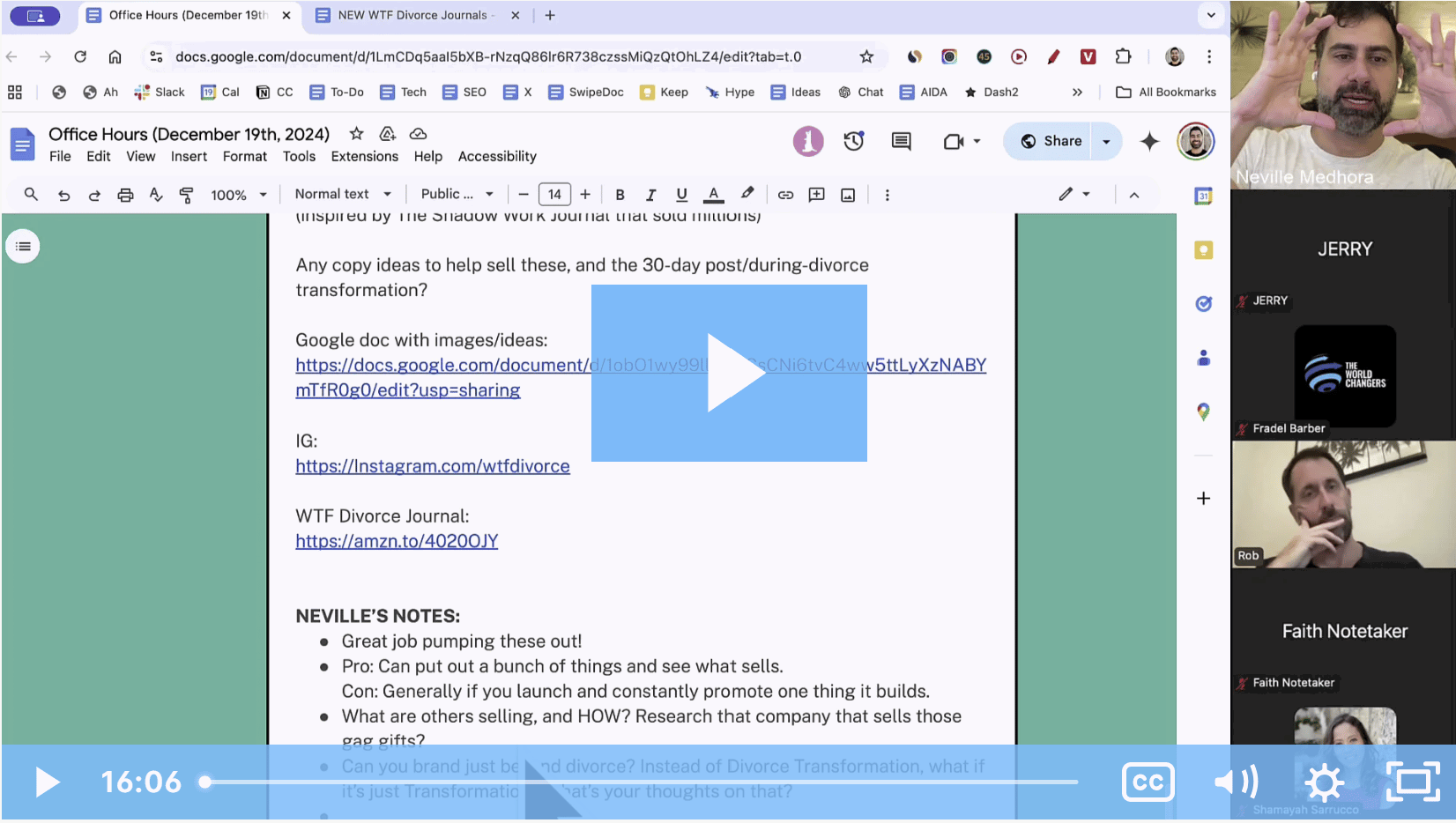
We also do weekly Live Reviews each week....we clip them up for members to watch:
| Learn More → |
Analyzed by Swipebot
Loading analysis...
.png?width=3840&quality=80)