Install the CEO Scorecard in 5 Simple Steps
Published on

1/7
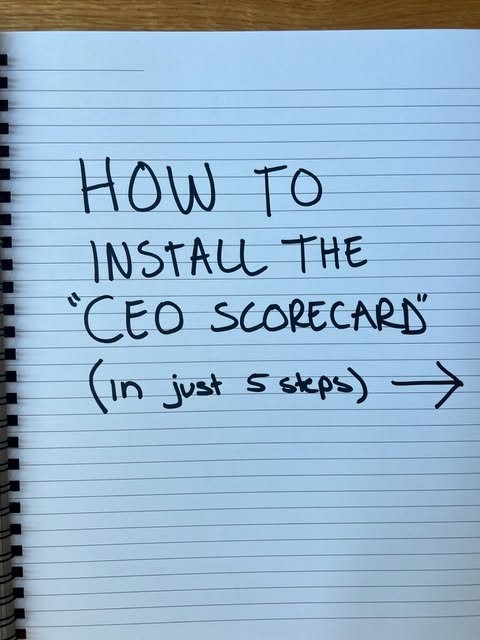
Most founders run their company off vibes, Slack pings, and a brain full of half-remembered numbers. A CEO scorecard rips all that out of your head and onto a single, simple page. In this post we’ll turn the scribbles from the Instagram carousel into a concrete system you can install in under an hour. Follow the five steps and you’ll know, every week, if the business is actually winning or just busy.
Steps 3–5: Make It Run on Autopilot
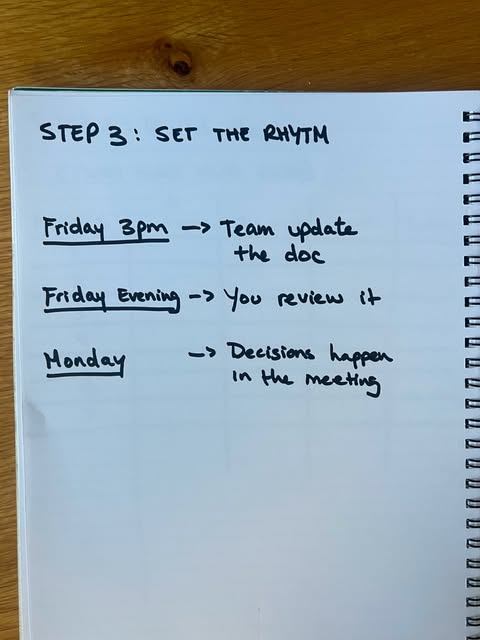
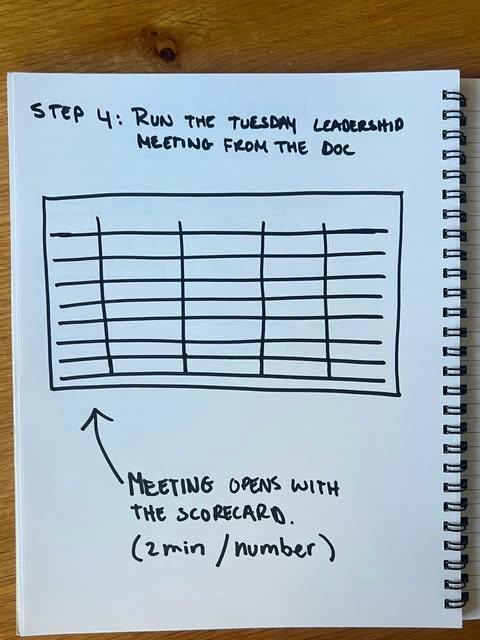
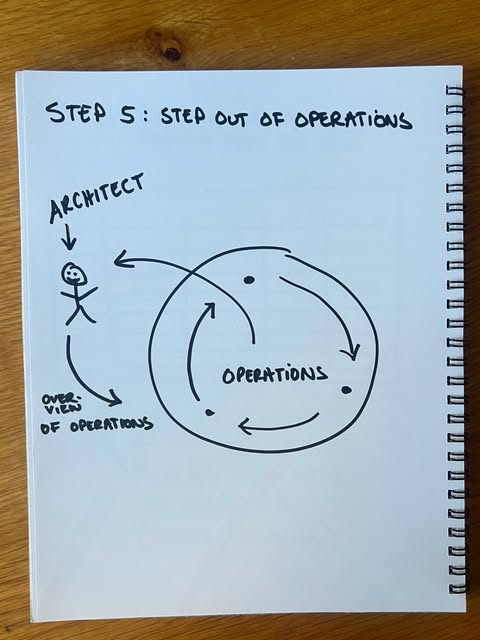
Step 3: Add your weekly meeting rhythm. Open the scorecard at the top of the call, go metric by metric, and talk about gaps, not stories. Step 4: Tie projects to numbers. Every big initiative on your plate should point to at least one of the seven metrics. Step 5: Refine quarterly. Drop metrics that don’t drive decisions and replace them with better ones. When the page stops changing, you know you’ve installed your CEO operating system.
Step 1: Pick Your 7 Numbers
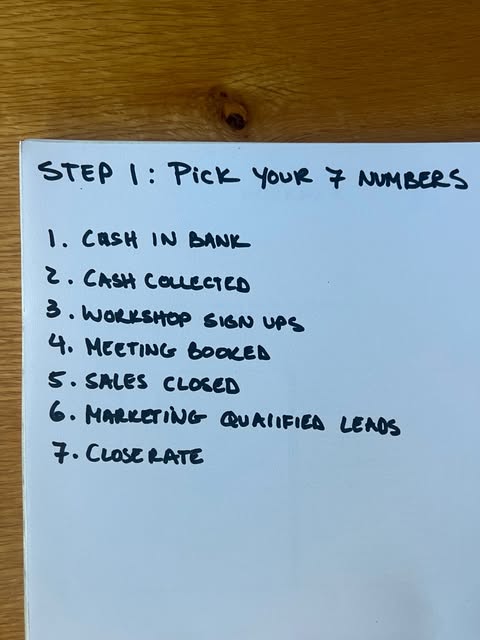
- Copy the image: list seven metrics that really move your business, not vanity fluff.
- Use simple, obvious numbers like cash in bank, cash collected, signups, meetings booked, sales closed, marketing qualified leads, and close rate.
- Force-rank and cap it at seven so you’re brutally clear on what matters this quarter.
Step 2: Build the Scorecard Doc
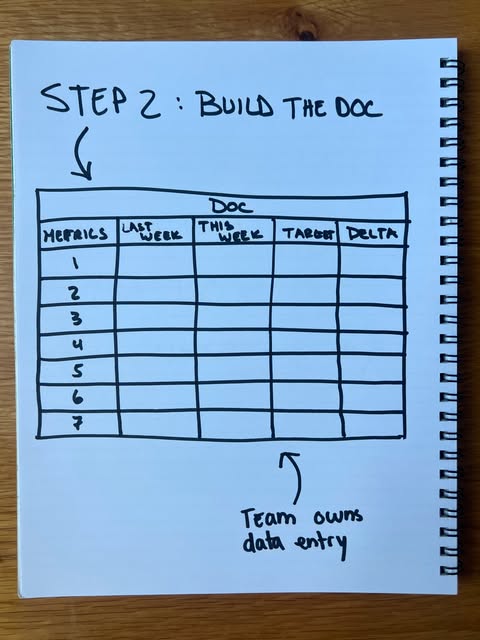
- Recreate the notebook table from the image with columns for Metric, Last Week, This Week, Target, and Delta.
- Make it a dead-simple sheet—no fancy dashboards—so anyone on the team can update it fast.
- Assign ownership: the team fills in their own numbers before the weekly meeting.
Real-World Scorecard Installs

SaaSCo rebuilt their weekly leadership meeting around a seven-metric scorecard and cut decision time in half.

AgencyLabs used a simple notebook-style scorecard to align sales and marketing, increasing close rate by 18% in one quarter.
Creative Variations
Analyzed by Swipebot
Loading analysis...