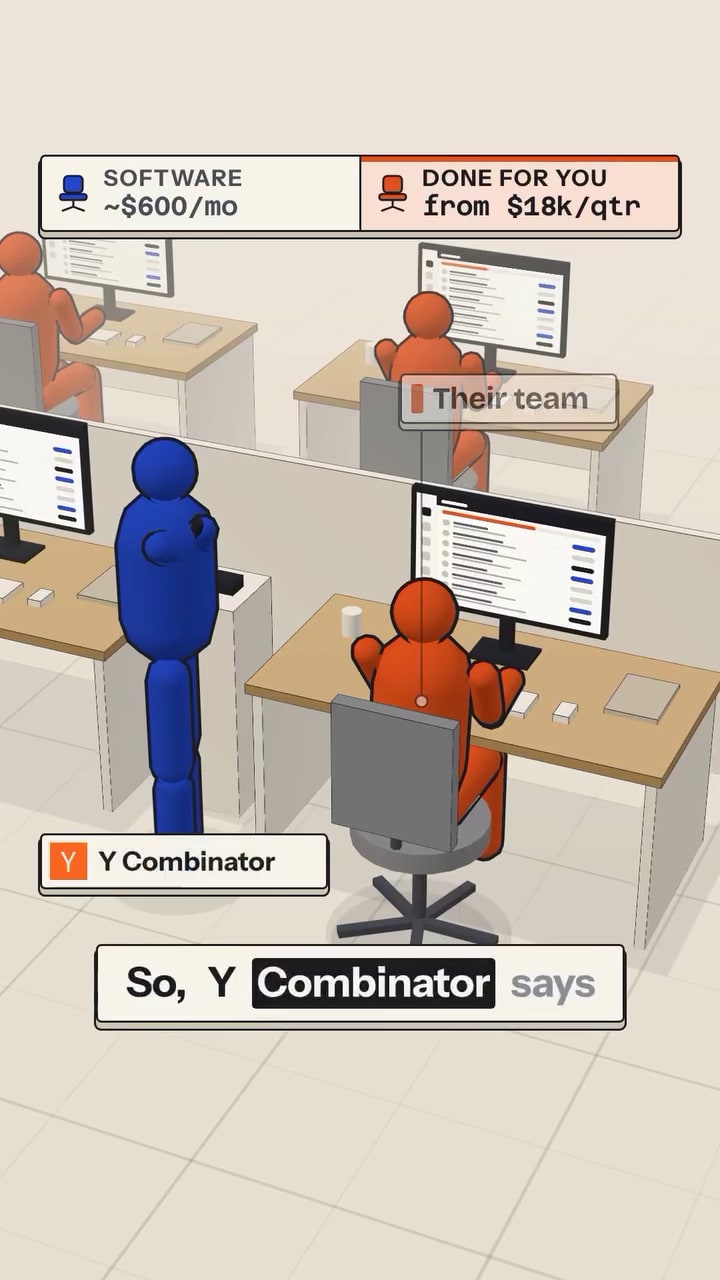
We've tried tons of tools but we keep coming back to Camtasia for making our videos. It’s just the simplest, also happens to be one of the most affordable, and fastest on our computers. We use it for videos, gifs, and tutorials. We publish 15 pieces of content or more per week so speeding up video production is super important to us.
We use Camtasia to put out 15 videos/week
If you can record your screen and talk, you can pump out 15 videos a week. The trick isn’t talent or fancy cameras, it’s having a dead-simple system you can repeat over and over. Camtasia turns your computer into a content factory instead of a distraction machine. Here’s how to turn one tool into a weekly video assembly line.
Why This System Works
Camtasia kills the friction between idea, recording, and publishing. When your recording, editing, and exporting all live in one tool, your brain isn’t constantly context switching. You stop treating each video like a precious art project and start treating it like a repeatable task on a checklist. That’s how you go from “I should make more videos someday” to 15 uploads a week.
The Camtasia Assembly Line
- Batch your topics: outline 15 tiny lessons instead of 1 big masterpiece.
- Record in one sitting: open Camtasia, hit record, crank through all 15.
- Use templates: intros, lower-thirds, and outros pre-built so editing is drag-and-drop.
- Speed-edit: cut mistakes fast, don’t polish pixels no one will notice.
- Systemize export: same settings, same folder, same naming convention every time.
Real-World Output From This Setup
Kopywriting Kourse uses Camtasia to rapidly record screen-share lessons, trim them in minutes, and publish 15 short, snackable videos every week.
Analyzed by Swipebot
Loading analysis...