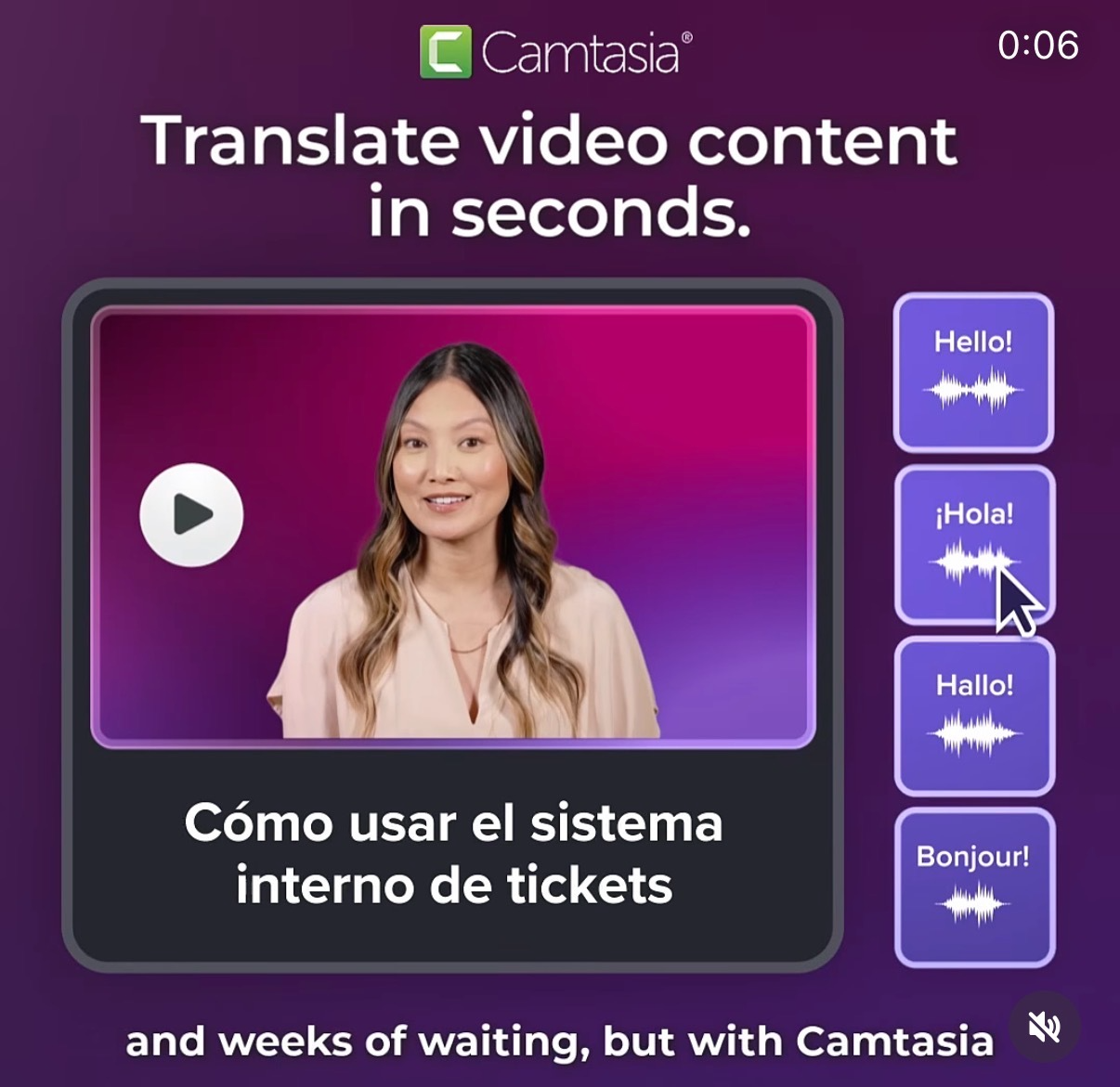
One video, four languages, zero headache. The Camtasia visual nails the dream: you record once, then simply click “Hello,” “¡Hola!,” “Hallo!,” or “Bonjour!” and your training video instantly speaks your viewer’s language. That’s the power you want your audience to picture the second they land on this post.
Make One Video Speak Every Language
The hero image shows a simple control panel: on the left, a friendly presenter explaining “Cómo usar el sistema interno de tickets.” On the right, big stackable language buttons. A cursor taps “¡Hola!” and you instantly understand the promise—no re‑shoots, no new actor, no agency bill. Just one polished video that can be duplicated across teams, regions, and time zones with a couple of clicks.
Why the Visual Sells the Idea Fast
- One clear screen: the viewer instantly grasps that translation happens inside the same video player.
- Bold language buttons show the outcome (multi‑language audio), not the feature (settings, menus, timelines).
- The Spanish title line proves this isn’t theory—it’s real training content going global.
- The tiny 0:06 timer hints this is quick to watch, mirroring the promise of “seconds” to translate.
Real-World Ways To Use a ‘One Video, Many Languages’ Hook
Camtasia positions its feature with the on-screen promise “Translate video content in seconds,” then visually backs it up by showing a single tutorial instantly branching into English, Spanish, German, and French.
Creative Variations
Analyzed by Swipebot
Loading analysis...