12 Tools That Run My Business
Published on
In this video I walk you through my setup and explain what I use each tool for:
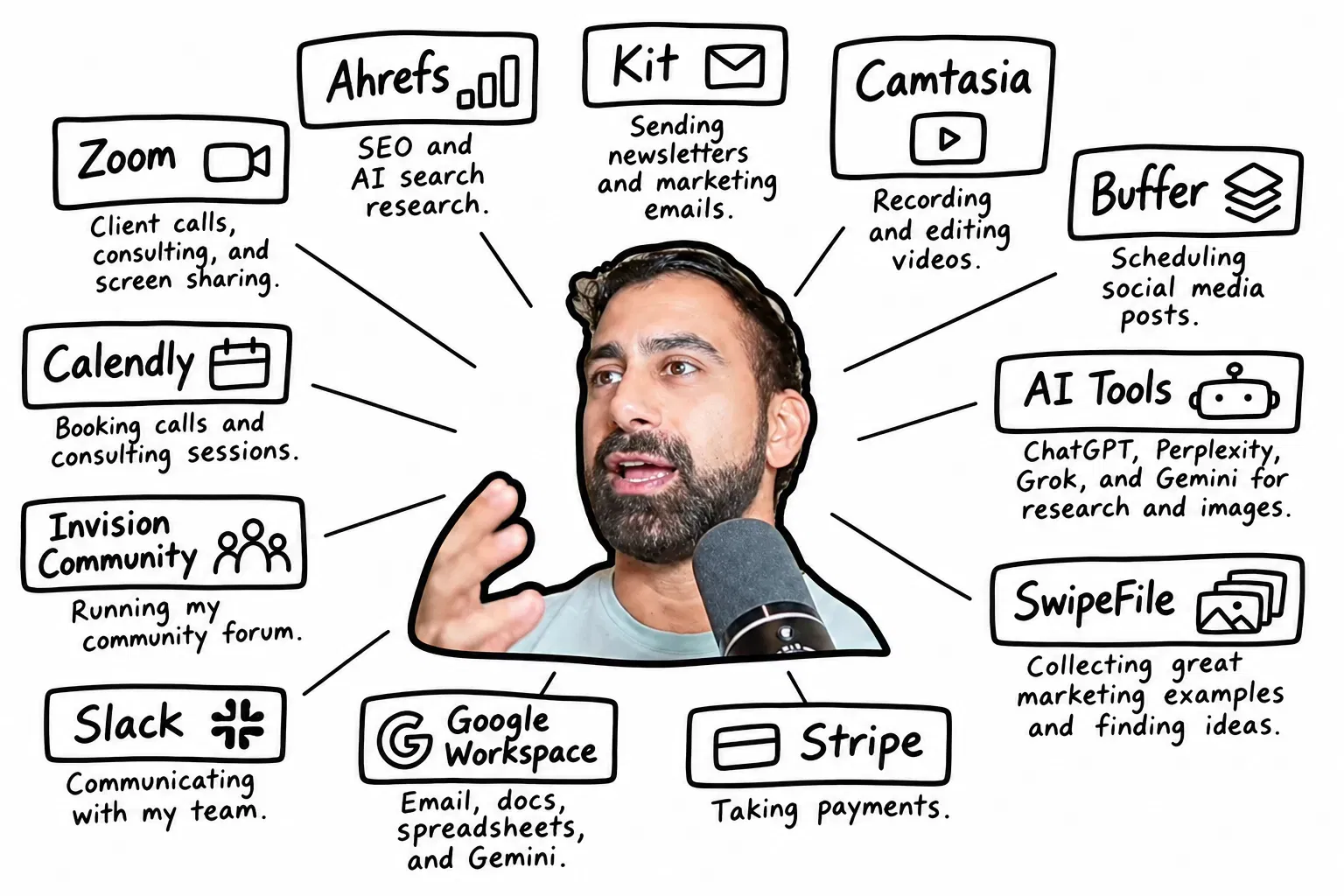
• Ahrefs: SEO and AI search research.
• Kit: Sending newsletters and marketing emails.
• Camtasia: Recording and editing videos.
• Zoom: Client calls, consulting, and screen sharing.
• Buffer: Scheduling social media posts.
• AI tools: ChatGPT, Perplexity, Grok, and Gemini for research and images.
• SwipeFile: Collecting great marketing examples and finding ideas.
• Stripe: Taking payments.
• Google Workspace: Email, docs, spreadsheets, and Gemini.
• Slack: Communicating with my team.
• Invision Community: Running my community forum.
• Calendly: Booking calls and consulting sessions.
Plus, a look at tools I’ve built myself: Blocker and Edit Anything.
12 tools I use to run everything in my business
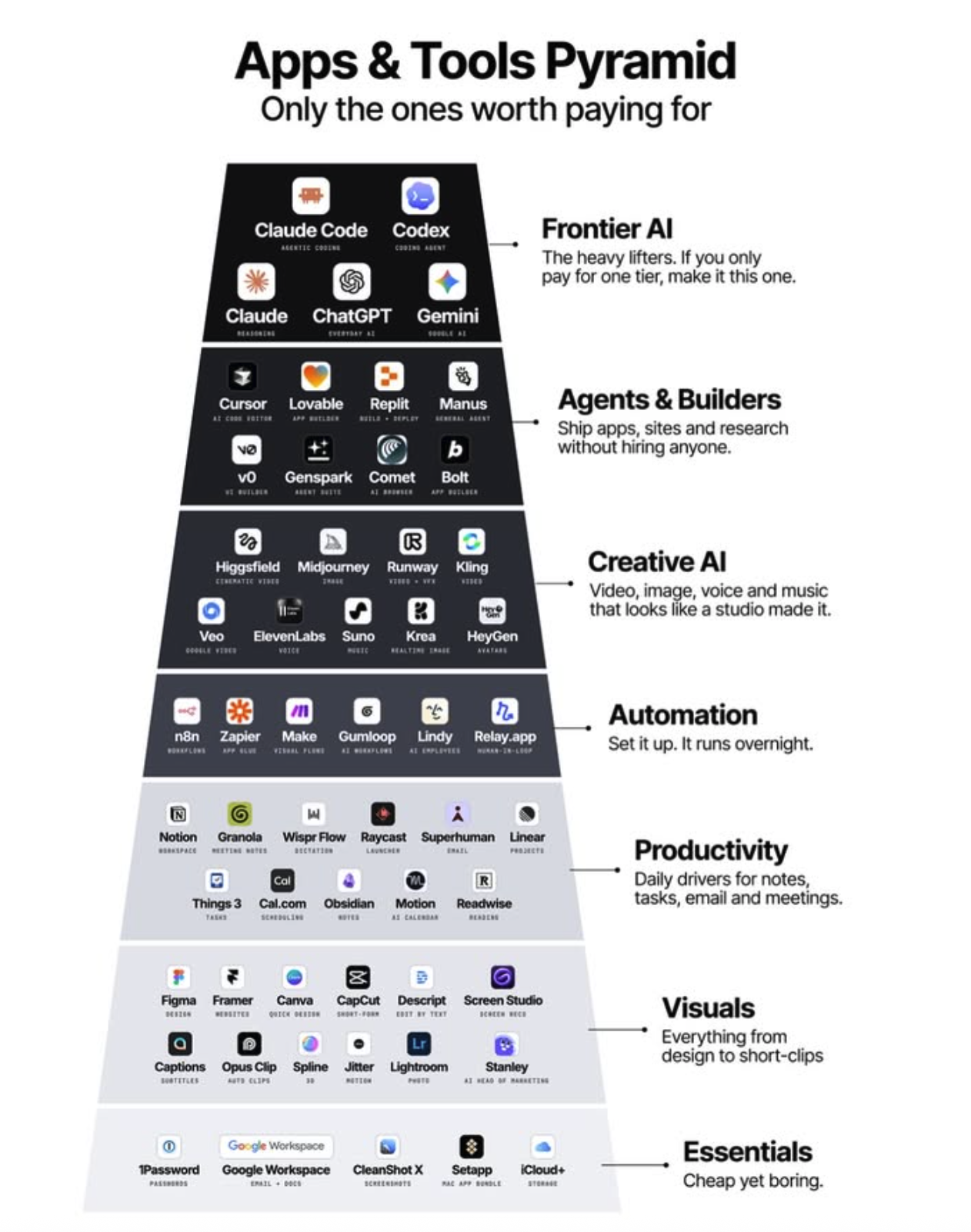
Here’s the behind-the-scenes tech stack that quietly runs Kopywriting Kourse. These 12 tools handle everything from publishing content to collecting payments so the business can run lean, fast, and mostly on autopilot. Use this as a shortcut menu: steal what fits, ignore what doesn’t, and build your own simple “business cockpit.”
Copy The System, Not The Exact Tools
The real value isn’t the specific 12 apps, it’s the rule behind them: one tool per job, automate repeat work, and avoid custom tech when a plug-and-play solution exists. Start with your revenue engine (payments, email, content), then bolt on tools only when a real bottleneck appears. That’s how you keep overhead low and output high.
Why This Stack Works
- Each tool has one clear job, so systems stay simple instead of bloated.
- Most tools are no-code, meaning changes can be made fast without developers.
- Payments, onboarding, and content distribution are automated as much as possible.
- Everything is cloud-based, so the business can run from any laptop in the world.
How Other Businesses Use Similar Stacks
ConvertKit uses their own platform plus Stripe to run a lean, creator-focused subscription business.
Circle uses a simple bundle of Stripe, email, and their own community tool to host and monetize private groups.
ThriveCart helps creators like course sellers and membership owners handle checkout pages, bump offers, and upsells without custom code.
Analyzed by Swipebot
Loading analysis...