Edit Any Website Side-by-Side and save the changes, great for copywriters and land page designers
Updated on
Start editing any website:
Drag this button to your bookmarks bar. It has a small JavaScript code that brings up a side-by-side editor and even lets you save your edited webpage. Try it!
✏️ Edit with SwipefileThis makes editing copy on websites one-click!
A major problem I've had as a copywriter is showing clients potential changes for a website.
Often it happens inside a Google Doc.
Often it's a long page and hard to grasp every change.
Often the changes are small and go unnoticed.
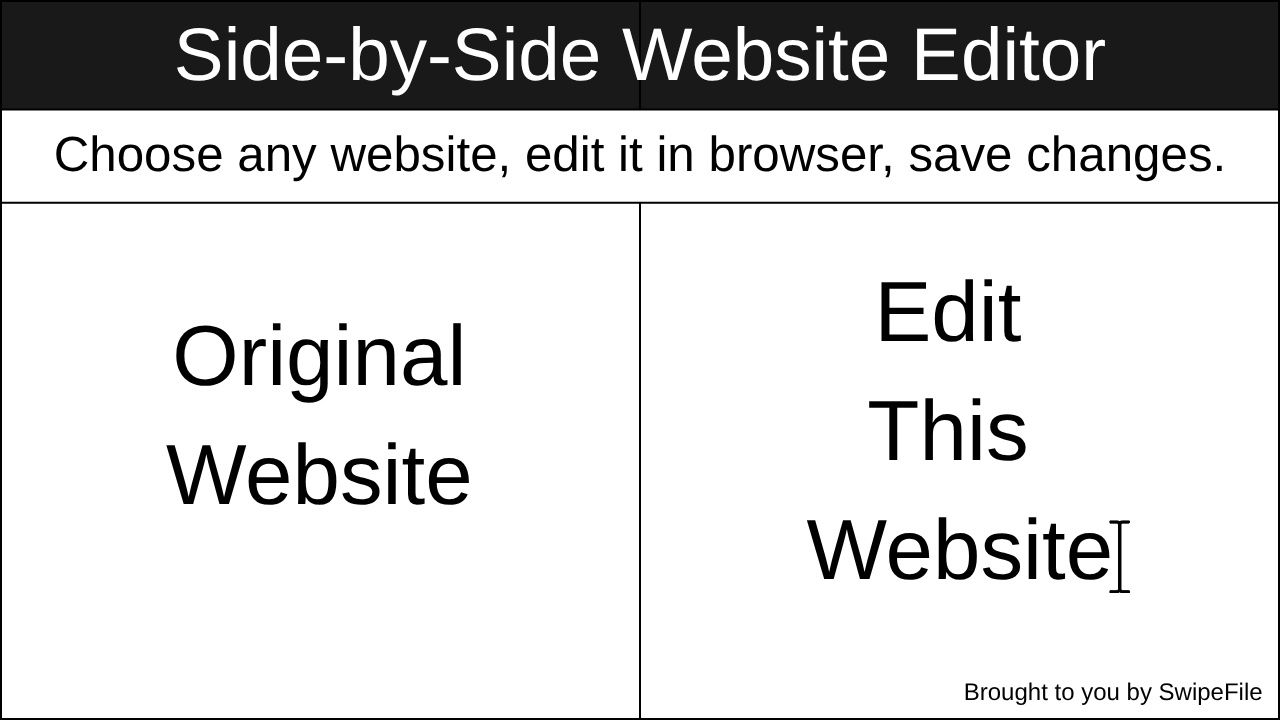
So we built a free tool, it's literally a click-n-drag thing to your bookmarks bar that let's you instantly side-by-side edit a website, like this:

Manual paste version
If dragging the button doesn’t save correctly, create a bookmark manually and paste this into the bookmark’s URL field:
Hope you enjoy using this, and if you do please share this URL with friends!
Swipefile.com/edit
Analyzed by Swipebot
Loading analysis...