Stop Tapping: Auto Add Every Card Offer
Published on
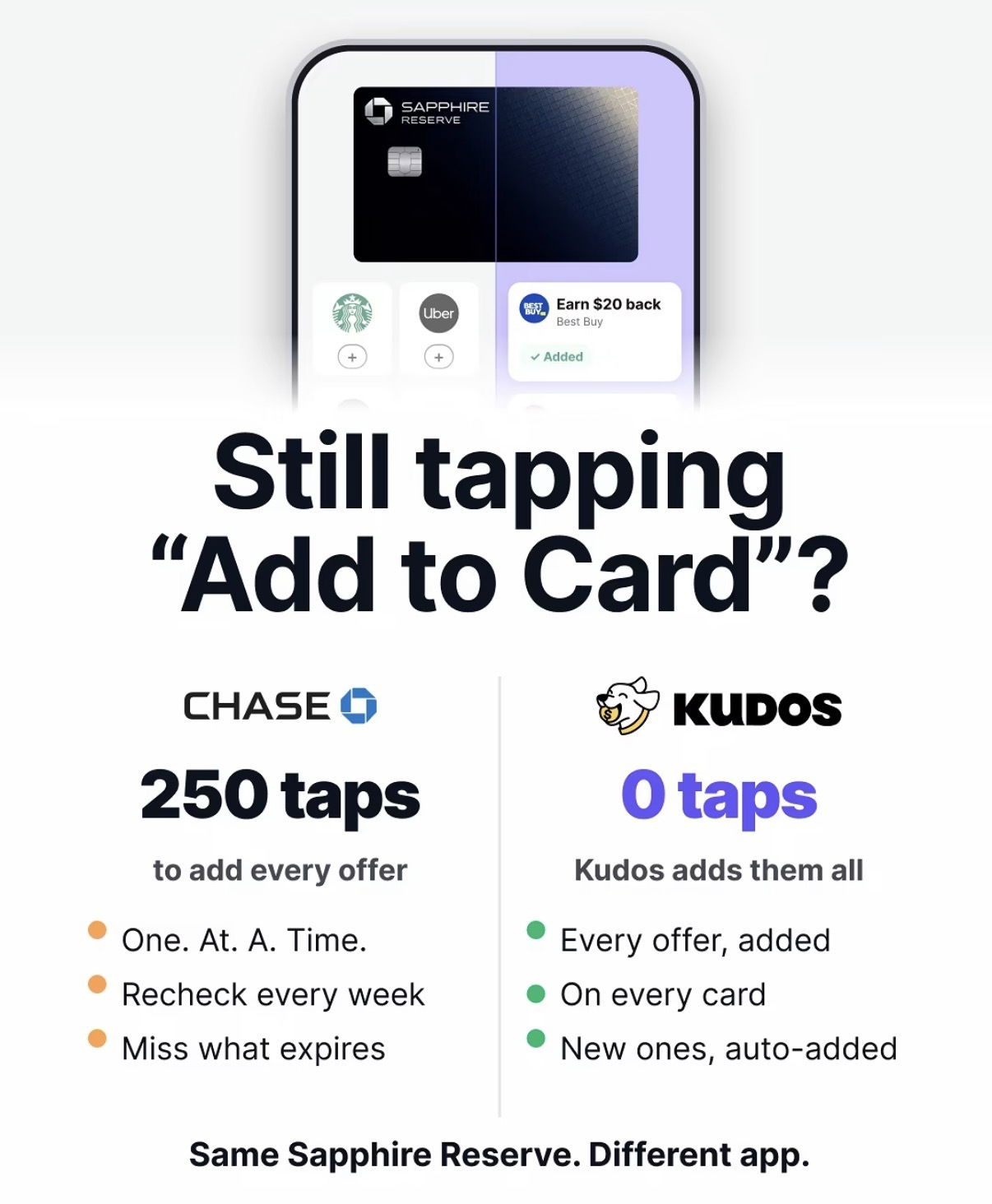
Your credit cards are quietly stuffed with offers, but you only get paid if you tap “Add to Card” over and over like a lab rat. The image above nails the pain: same Sapphire Reserve, two totally different lives. In one world you’re burning thumb calories on 250 taps. In the other, every offer hits your card automatically while you do literally anything else.
The 250‑Tap Trap
Traditional card dashboards make you add offers one. at. a. time. You open the app, scroll a tiny carousel, tap into each brand, and hope you don’t miss the ones that expire. It feels “free,” but it’s actually a time tax: weekly re-checks, FOMO on forgotten deals, and zero automation. The left side of the image is basically a thumb workout disguised as rewards.
0 Taps: Same Card, Smarter App
The right side of the image flips the script: same Sapphire Reserve, different app doing the work. Instead of manually adding offers, every single one is auto-added to every eligible card, including new ones as they appear. You stop babysitting rewards and still capture the $20 backs and 10% offs. It’s the difference between clipping coupons with scissors and having a smart assistant clip, sort, and apply them for you before checkout.
Why This Visual Hits So Hard
- Sets up a clear villain vs hero: CHASE at 250 taps versus KUDOS at 0 taps.
- Uses a clean, side‑by‑side layout so you instantly feel the contrast.
- Leads with a question—“Still tapping ‘Add to Card’?”—that calls out your current behavior.
- Ends with a memorable line: “Same Sapphire Reserve. Different app.” so the benefit feels effortless, not risky.
Real-World Auto-Add Magic
Kudos shows how an overlay app can quietly sit on top of your existing cards and automatically add every available offer without changing your bank.
Capital One Shopping demonstrates how browser extensions can auto-apply coupon codes and rewards in the background so shoppers never tap through long promo lists again.
Creative Variations
Analyzed by Swipebot
Loading analysis...