The Essential AI Stack For Content Creators
Published on
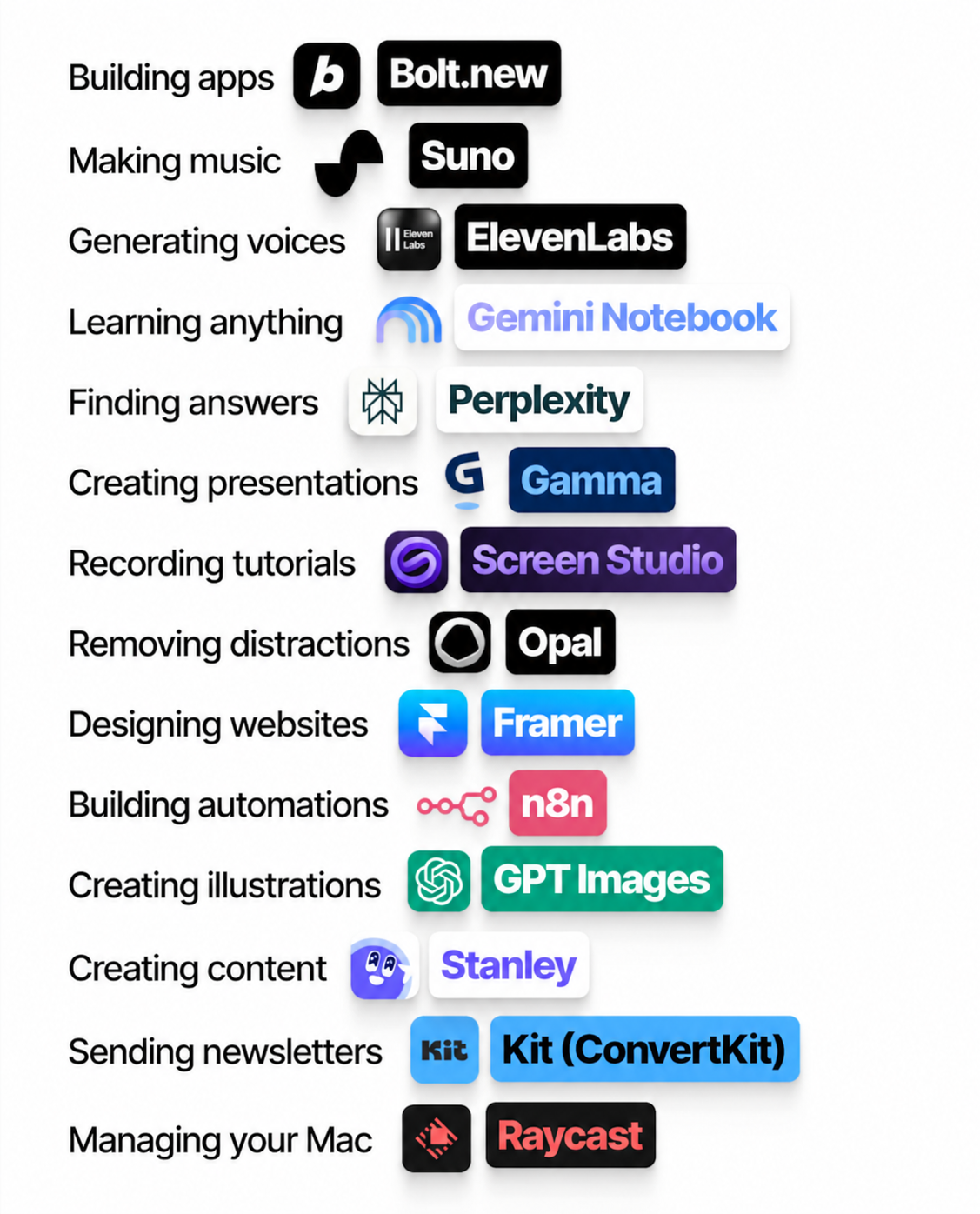
Most creators install random AI tools like apps on a cluttered phone. The image above shows a much smarter move: one clean stack that covers every step from idea to inbox. Think of it as your AI production line—music, visuals, words, delivery—all handled by specialized bots. Steal this layout, plug in your own topics, and your content machine suddenly runs like a factory instead of a hobby project.
How this stack turns you into a one‑person media company
- Bolt.new, Framer, and n8n let you spin up mini-tools, landing pages, and automations so your best content becomes products, not just posts.
- Suno, ElevenLabs, and GPT Images handle soundtrack, voiceover, and visuals so you can publish polished multimedia without hiring a crew.
- Gemini Notebook and Perplexity give you research superpowers, while Gamma and Screen Studio turn that research into slick decks and tutorials.
- Opal and Raycast keep you focused and fast on your Mac so the stack feels like a smooth control panel, not a mess of tabs.
- Stanley and Kit (ConvertKit) turn finished pieces into a steady content engine that feeds your audience and grows your list automatically.
Ways creators can deploy this AI stack today

A solo course creator uses Gemini Notebook for outlining lessons, Screen Studio for recording, ElevenLabs for voice clean‑up, and Kit (ConvertKit) to drip the finished course as an automated email series.

A newsletter writer leans on Perplexity for deep-dive research, Stanley for fast drafts and repurposed threads, GPT Images for cover art, and Raycast to launch everything via keyboard shortcuts.

A YouTube educator combines Suno for background music, Gamma for companion slides, Framer for a simple resource site, and n8n to auto-send new uploads to subscribers through Kit (ConvertKit).
Creative Variations
Analyzed by Swipebot
Loading analysis...